How to Use Customize EIH Camera
Updated on 2026 / 08 / 27
TMflow Software version: 2.16 or above versions
TM Robot Hardware version: HW3.2 or above versions
Specific requirements:
- External and lens
- Support Camera: Basler, FLIR, TM Camera
- Calibration project: Refer to article title :Calibration Using TMflow Project – Tutorial
Intrinsic parameter Knowledge: Refer to Notice on External Camera Calibration
Note: Older or newer software versions may have different results.
Purpose
In the following situation , there may be a need to use Customize EIH Camera:
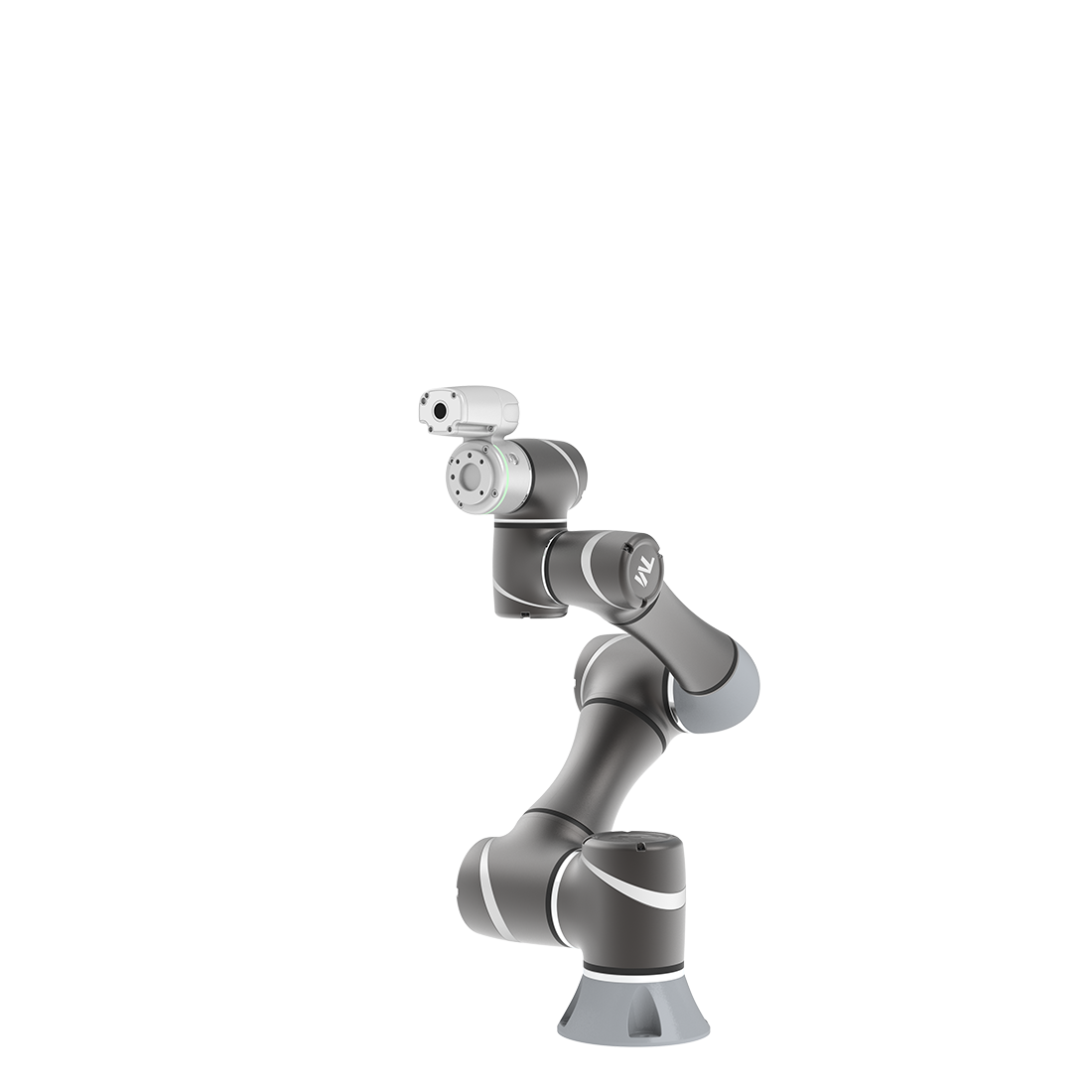
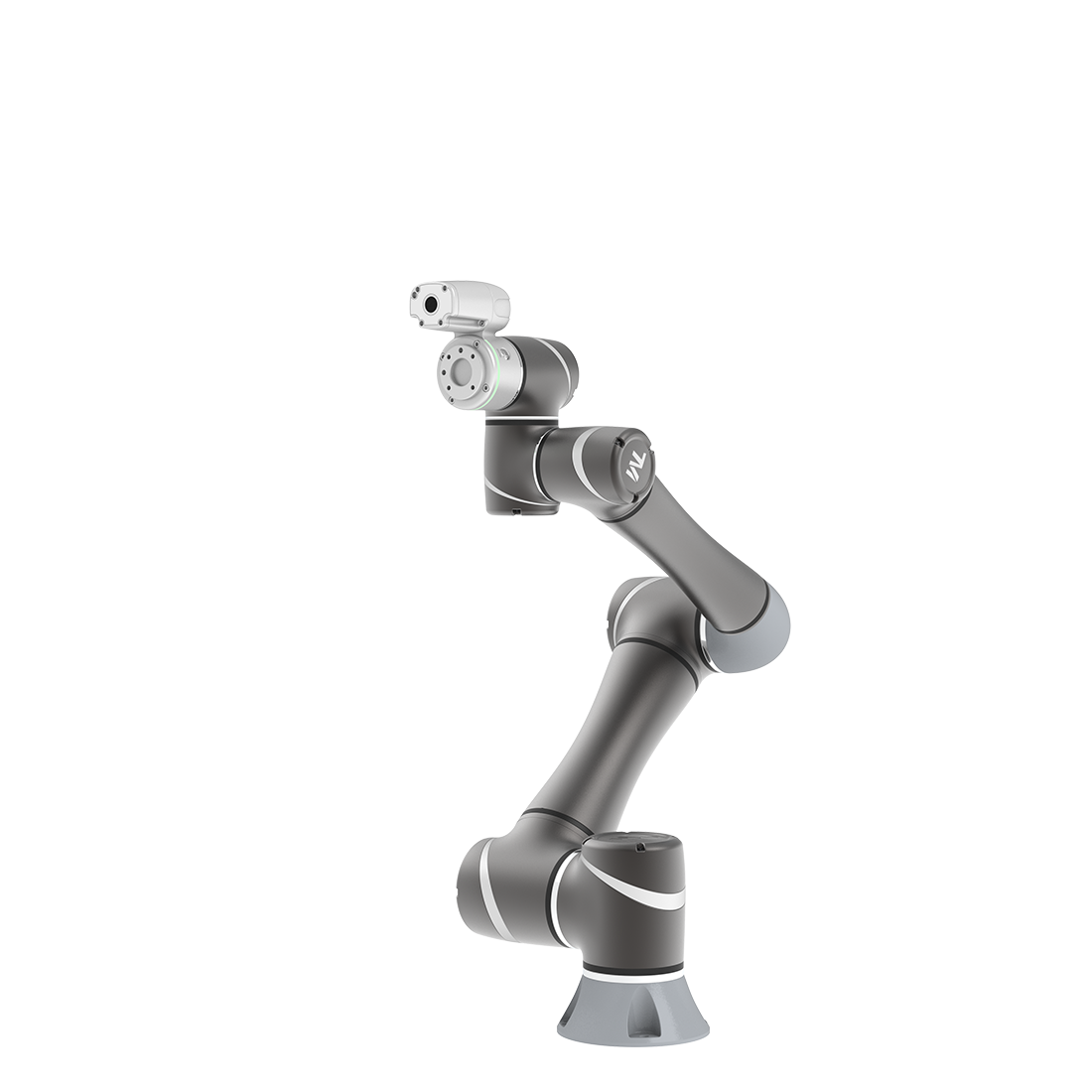
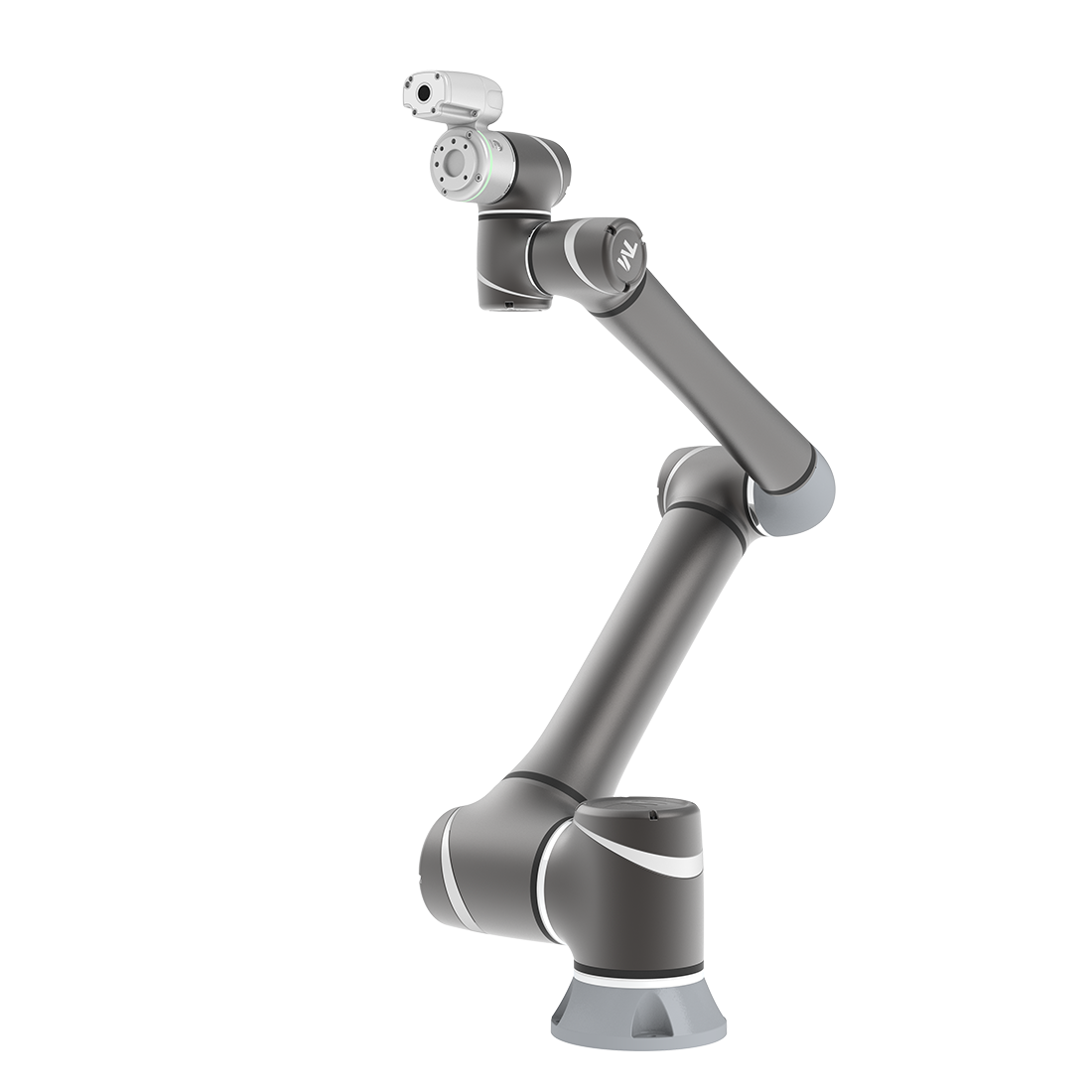
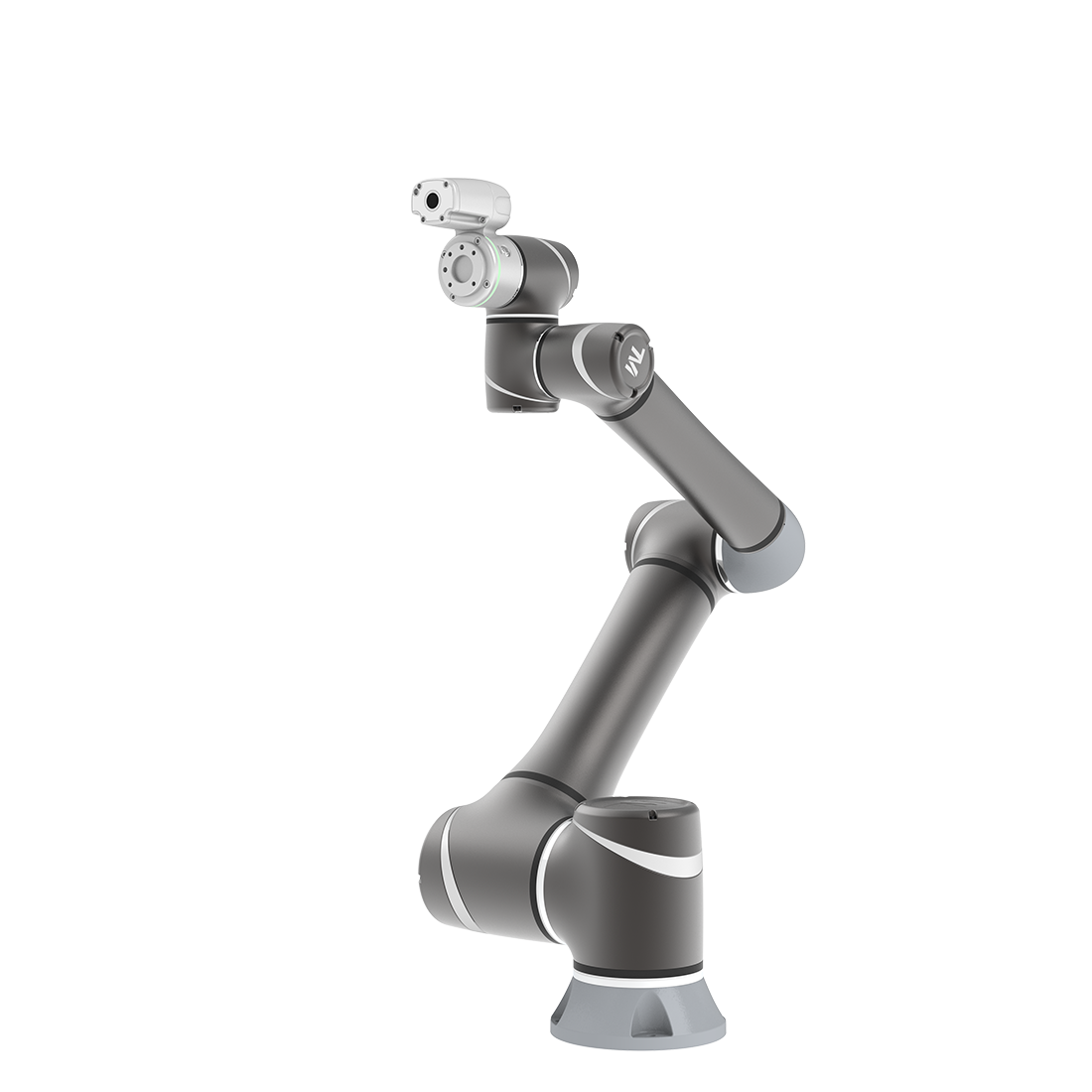
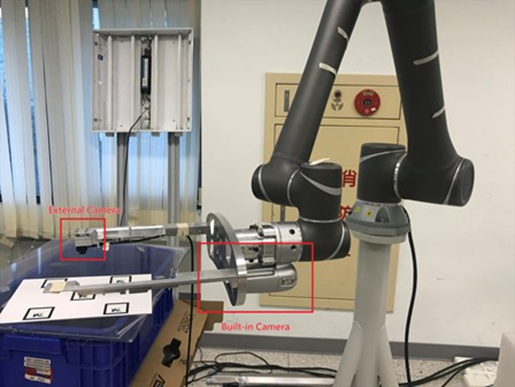
- When TCP covers the built-in camera, it becomes necessary to extend an external camera for capturing. As shown below
- Place the camera in a position that is easier to capture to reduct CT.
In order to achieve higher accuracy, it is usually desired to have better resolution at a higher position to improve positioning accuracy.
External Camera Setup
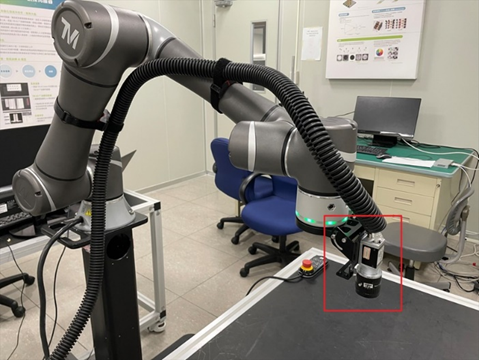
Install the external camera at the desired working location, connect the camera to the control box, and it is recommended to use a casing to cover the wiring.
Camera Connection
Enter Configuration->Vision settings->Camera Kit, and check whether the external camera is found.
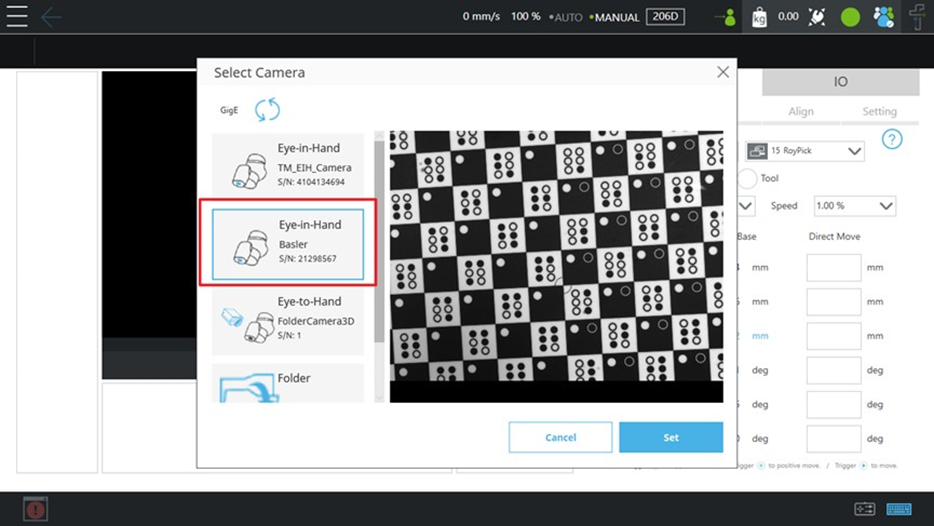
Intrinsic Parameter Calibration
Please refer to Notice on External Camera Calibration for Intrinsic Parameter Calibration. In the section 2, decide the working distance and choose a suitable camera and lens. Proceed with Intrinsic Parameter Calibration in section 3 to 4.
Hand-Eye Calibration
Please refer to the Calibration Using TMflow Project – Tutorial for hand-eye calibration. Sections 6 to 7 of the article explain how to download and import the project, while section 9-2 provides instructions on setting up and running a customize EIH calibration project.
Was this article helpful ?