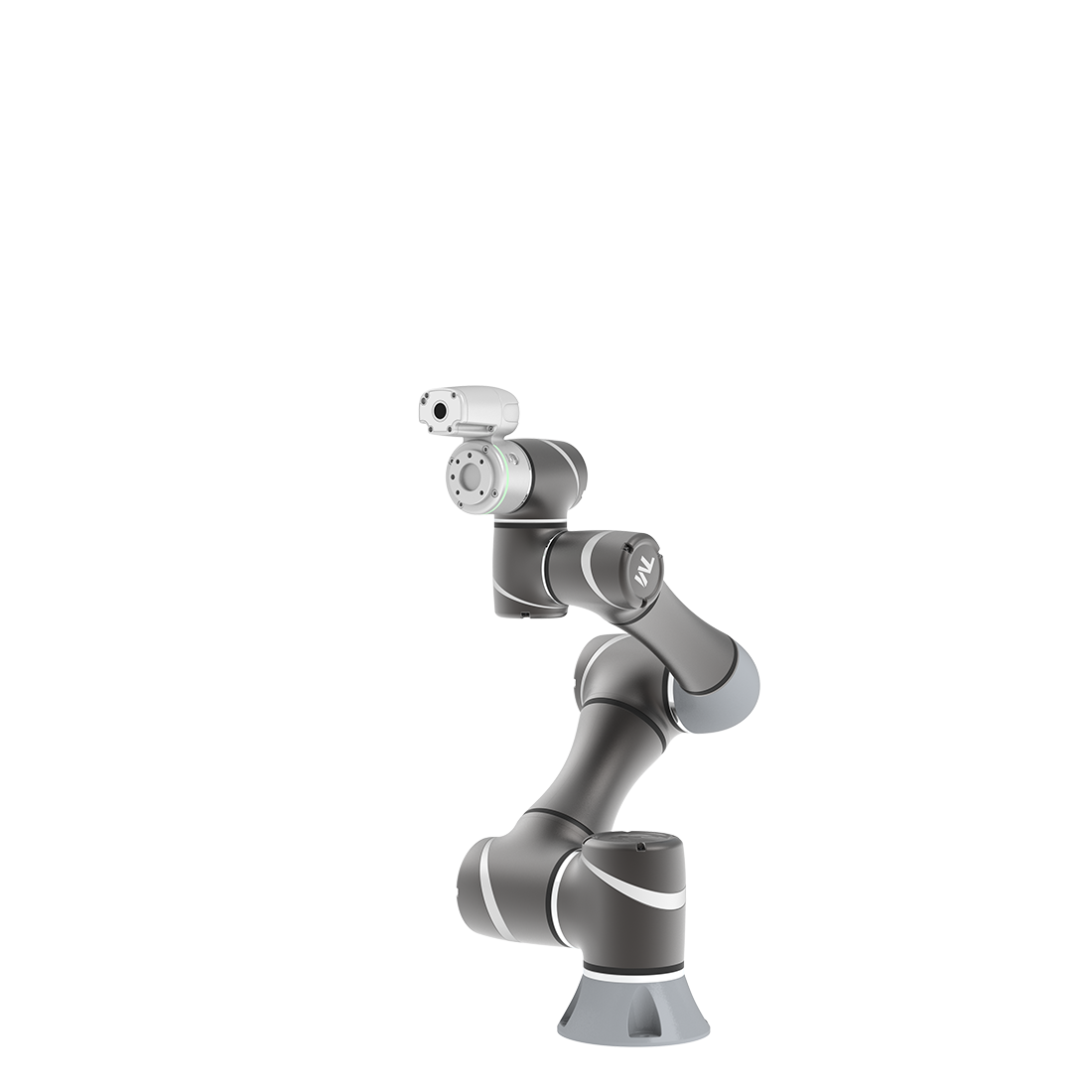
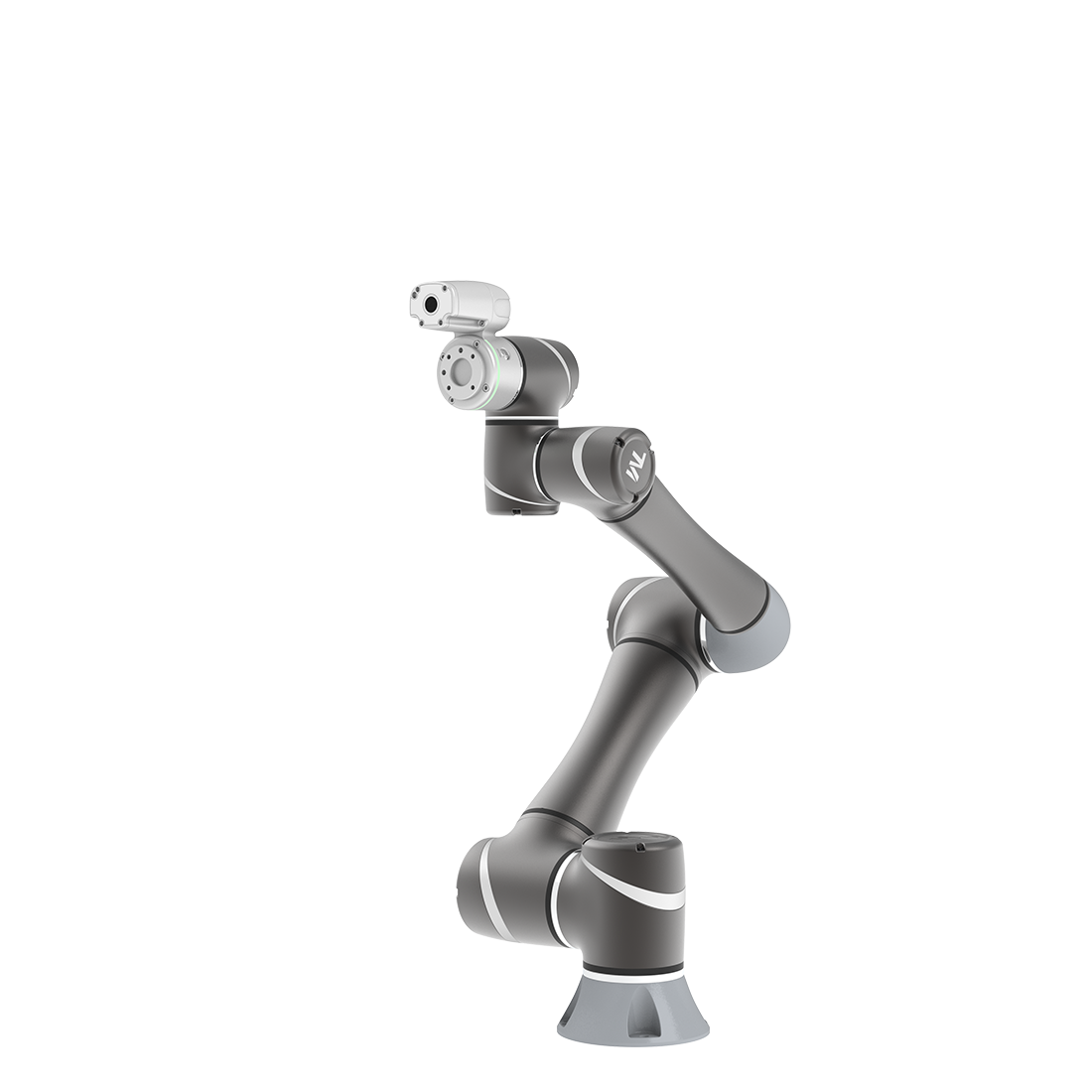
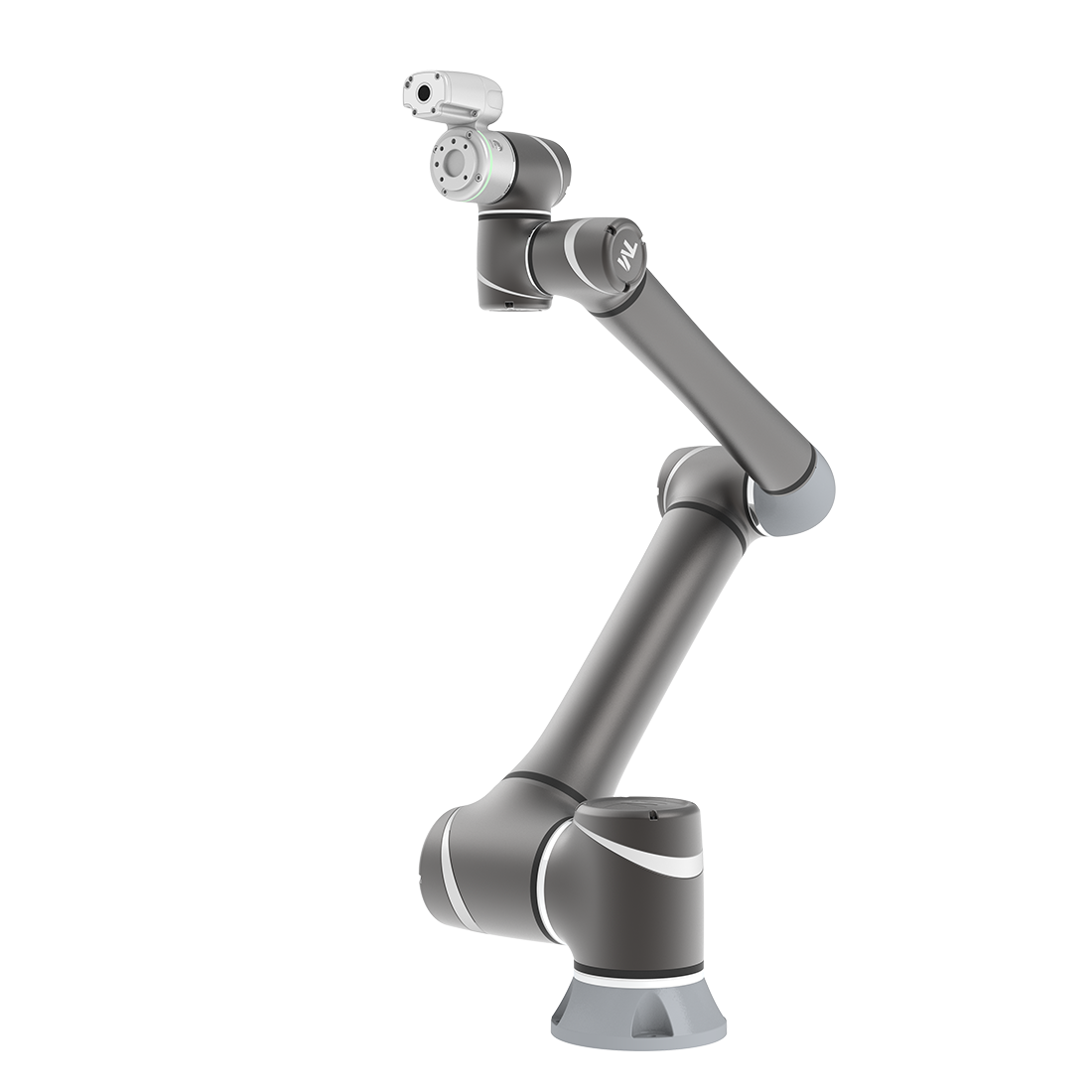
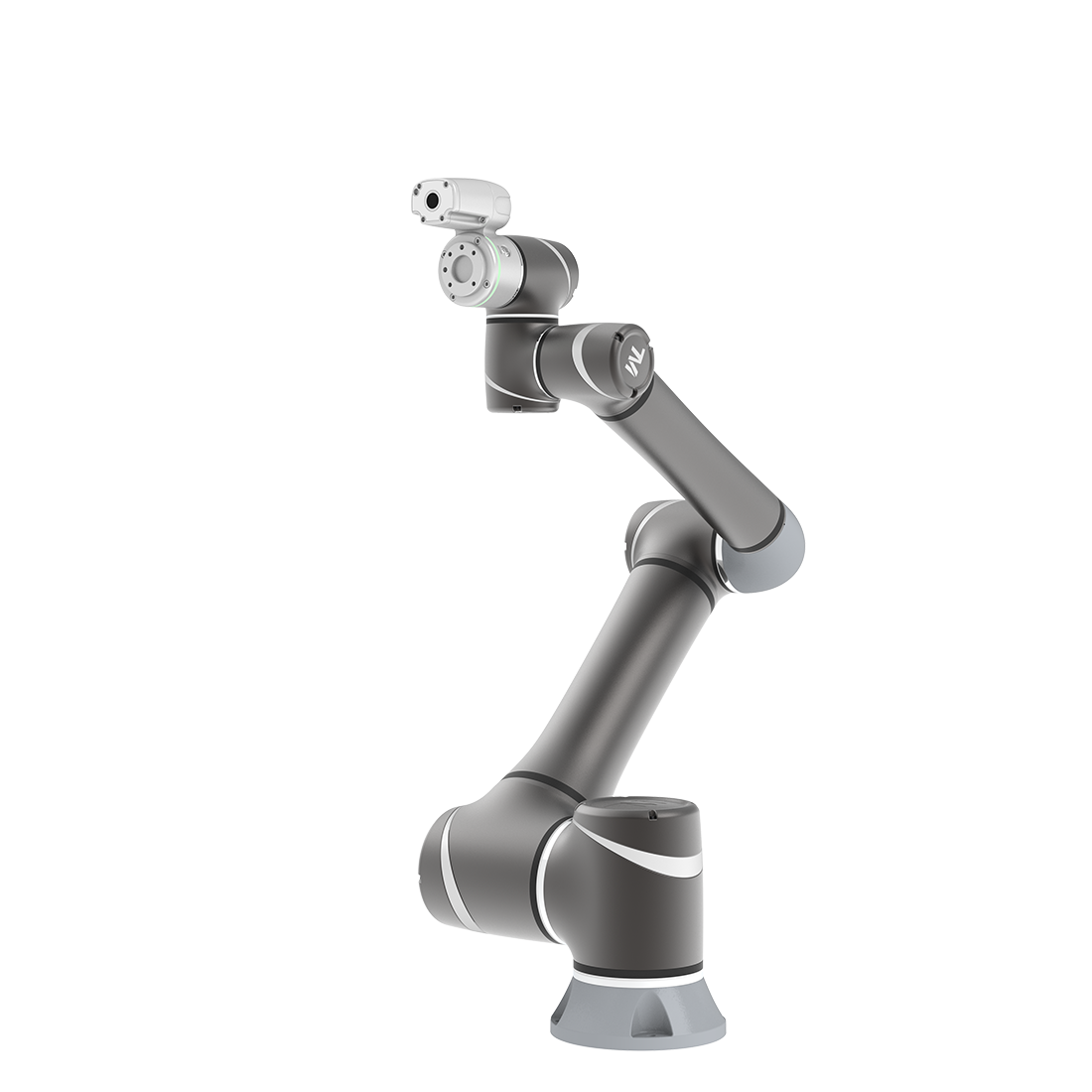
What is TMflow Simulator?
Updated on 2026 / 08 / 27
Examples are valid for
- TMflow Software version: 2.16.2700 or later
- TM Robot Hardware version: None
- Other specific requirements: None
Introduction:
TMflow is an innovative software of TM AI Cobot with graphical UI. It includes dozens of functional nodes shown as different icons. Users can drag and combine these nodes to make a set of motion for robot to complete the task instead of coding.
User can operate TMflow in following ways:
| Local Operation | Known as the TMflow runs on real robot controller. |
| Remote Operation | Known as the “Client” function. Install the TMflow on your PC/NB then connect to a real robot controller to program and control. |
| Offline Operation | Known as the “Simulator” function. Install the TMflow on your PC/NB then select and connect to the virtual robot to program and control. |
Difference:
TM AI Cobot comes with three offline operation software as following.
| Offline Editor | TMflow 2.16 Simulator | TMstudio Pro 2.16 | |
| Support For | TMflow 1.X version | TMflow 2.16 and above | TMflow 2.16 and above |
| Model Support | HW3.2 | HW3.2 & HW5.0 (X-type) | HW3.2 & HW5.0 (no vision-related function) |
| Edit Project | ⚪ Only Flow project | ● [Both Flow & Script Project] | ● [Both Flow & Script Project] |
| Run Project | ❌ | ● | ● |
| Export Project | ● | ● | ● |
| Vision Task | ⚪ Use Offline AOI | ❌ | ❌ |
| Input Control | ❌ | ● [ DI & AI] | ● [ DI & AI] |
| Communication | ❌ | ● [ Modbus & Ethernet Slave ] | ● [ Modbus & Ethernet Slave ] |
| Virtual Environment Setup | ❌ | ● | ● |
| Virtual Robot Stick | ❌ | ● | ● |
| Virtual Tool Visualization | ❌ | ❌ | ● |
| Plugin Test | ❌ | ● [Component & TMcraft ] | ● [Component & TMcraft Node] |
| User Interface | Same as TMflow | Same as TMflow | New Design Software |
| Enhanced Features | ❌ |
|
|
| Restriction | x No speed Suppression for all model
x Only support TMcraft Node test | x No Speed Suppression for HW3.2 model | x No Speed Suppression for all model x Only support TMcraft Node test |
| Price | Free | Free | Free |
TMflow 2.16 Simulator:
No need to stop the real robot to test your procedure! Combine “Client” & “Simulator” together. You can now run TMflow with virtual robot in your PC/NB.

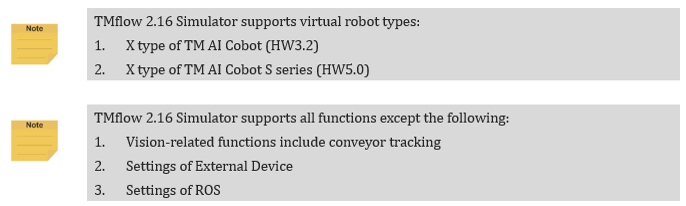
Benefits of using TMflow 2.16 Simulator:
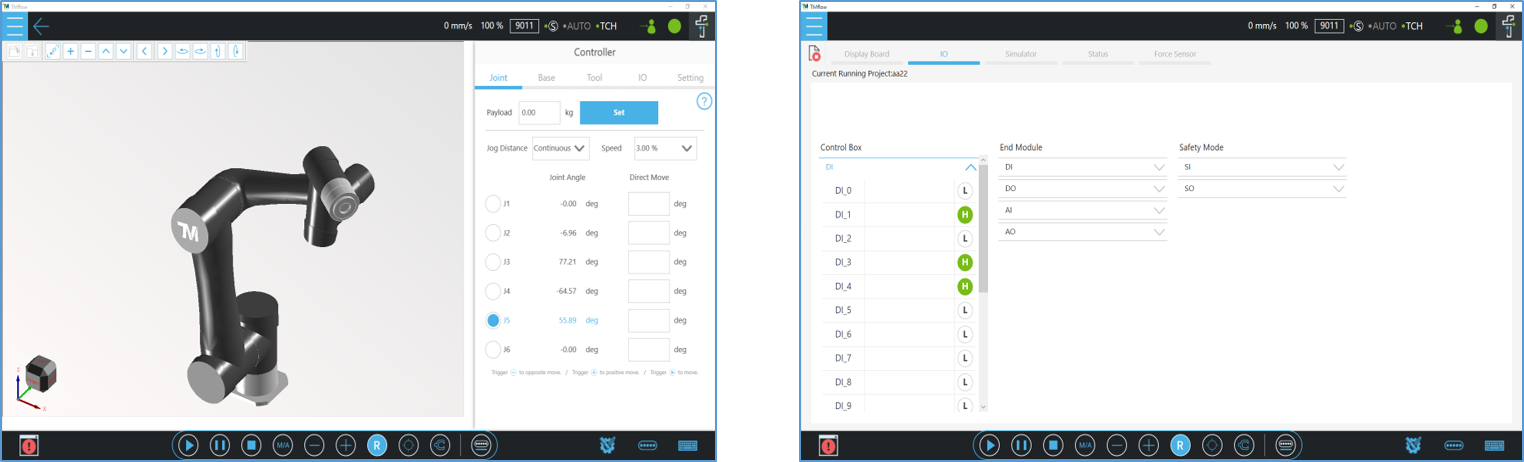
- Both TM AI Cobot and TM AI Cobot S series available.
- Test your project logic including simulated DI/AI signals.
- Test your Listen Node and Network Node communication.
- Test your TMcraft Node, Shell and Toolbar right after development.
- Simulate your robot programming and motion.
- Project import and export as from the real robot.

Was this article helpful ?