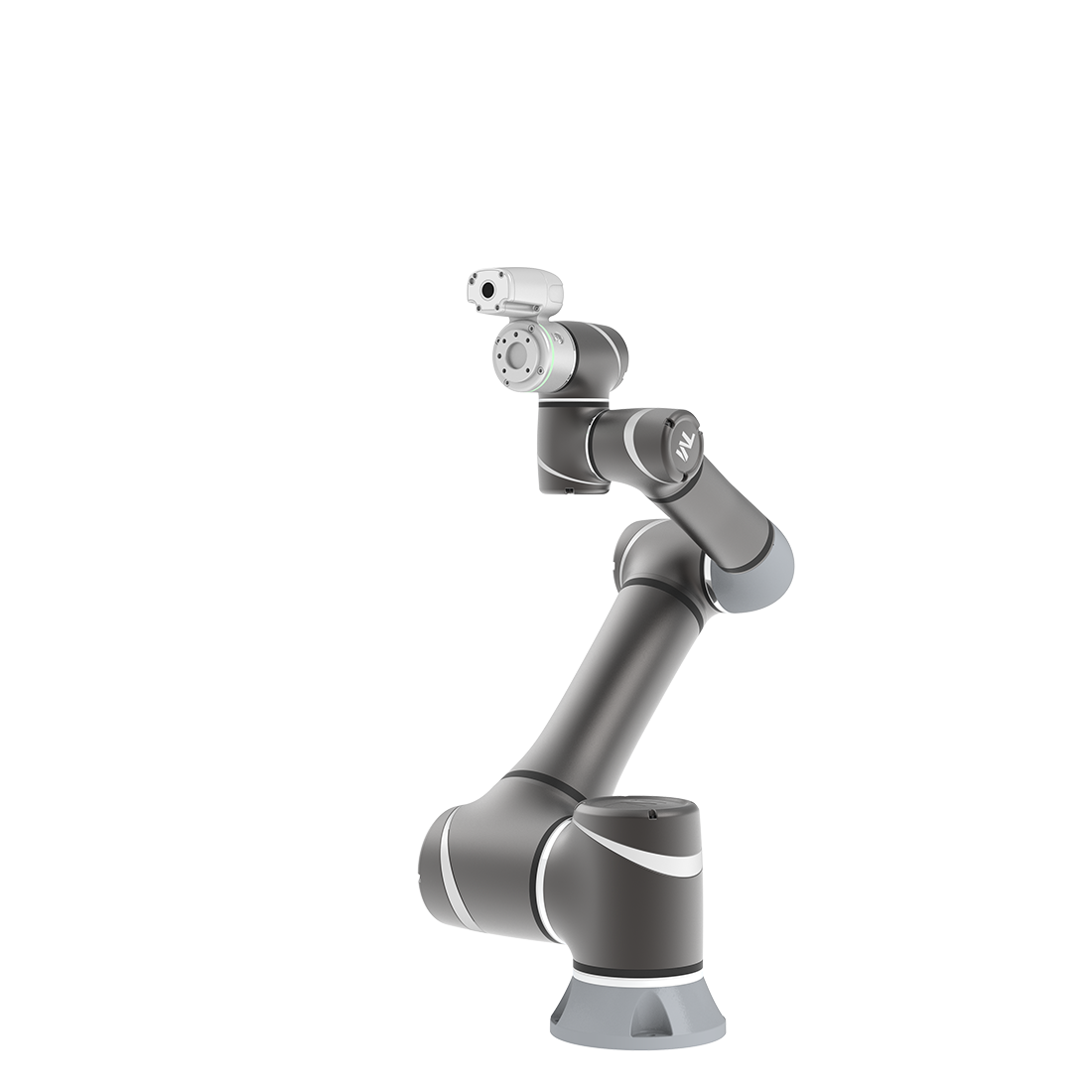
[PROFINET] Robot-Siemens PLC Integration Via PROFINET Installation
Updated on 2026 / 03 / 26
Example are valid for :
TMflow Software version : 1.76.63.00 or above
TM Robot Hardware version : HW 5.0
Note that older or newer software versions may have different results
Other specific requirements: PROFINET SETTING PACKAGE
SIEMENS Pre-Cautions
- Make sure you already download TIA Portal (you can download it through SIEMENS web). In this tutorial, we are using TIA Portal V15.1 version
- Prepare your Siemens License
- PLC type being used in this case : CPU 1214C DC/DC/DC (6ES7 214 1AG40-0XB0)
NOTE :
- Please check your own PLC type (written at the side)
- Make sure you already installed the PROFINET hardware into your control box
Installation Procedures
Open TIA Portal and create new project
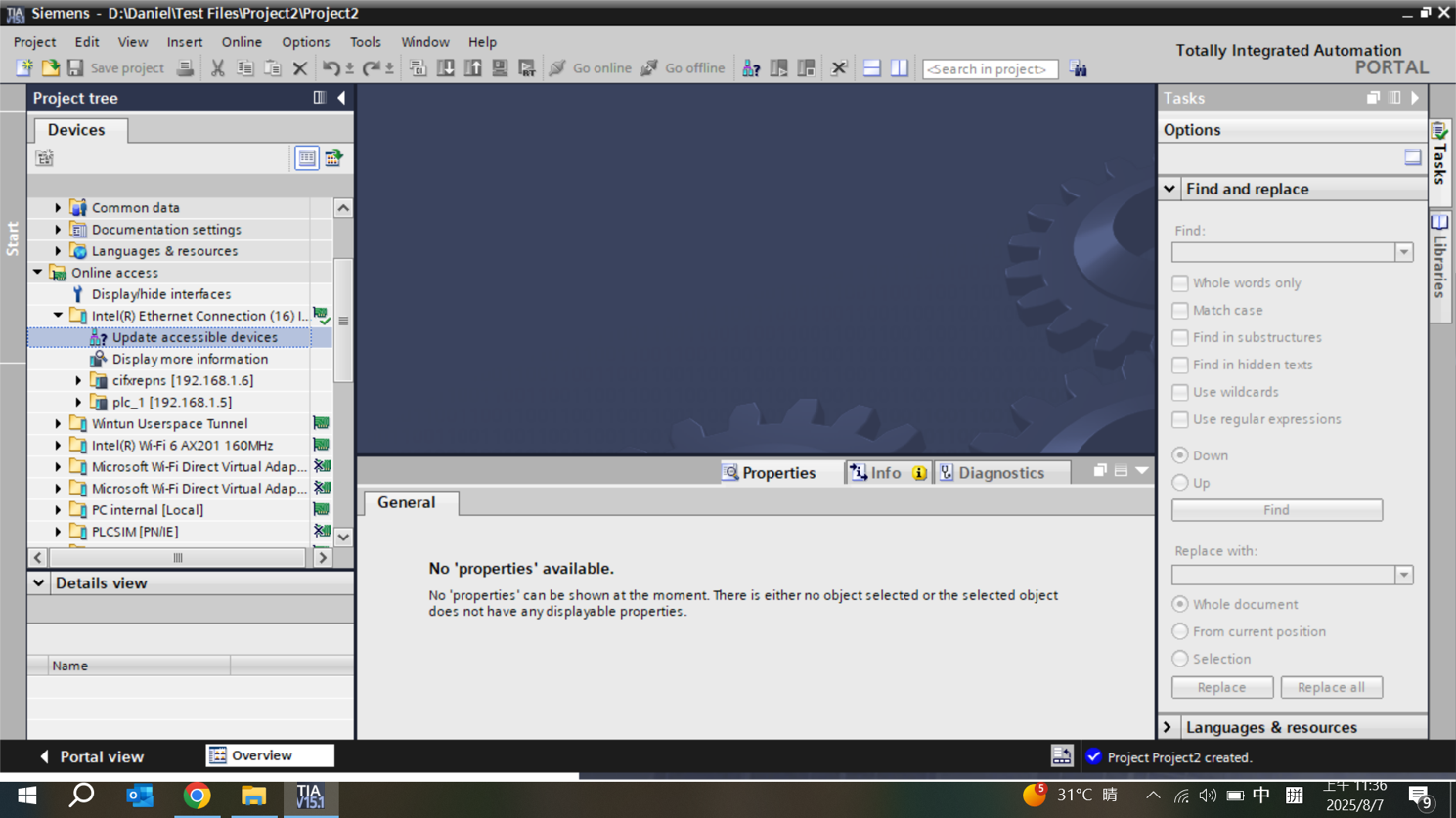
Add new device and select PLC type you use

Configure PLC IP Address
- Select device configuration
- In the device view, select the PROFINET interface of the PLC. In the properties window, select Ethernet addresses and set IP address. This assigns the PROFINET IP address to your PLC so it can communicate with other devices
- After finish setting, click OK

Install GSD File for TM Robot in TIA Portal
- Click Options → Manage general station description files (GSD)
- Select the GSD File
- Click Install
.
.
.
.
.
.
.
Was this article helpful ?