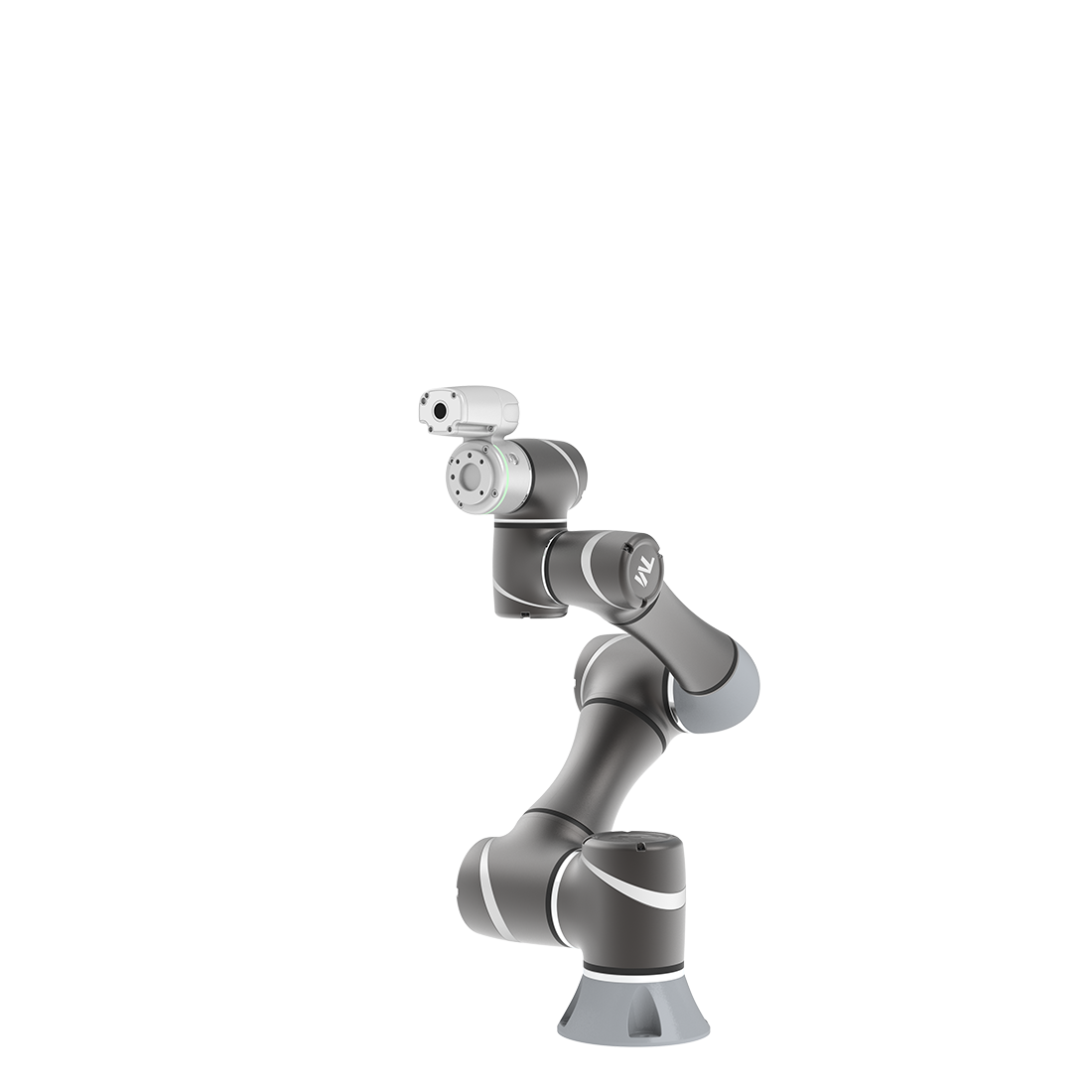

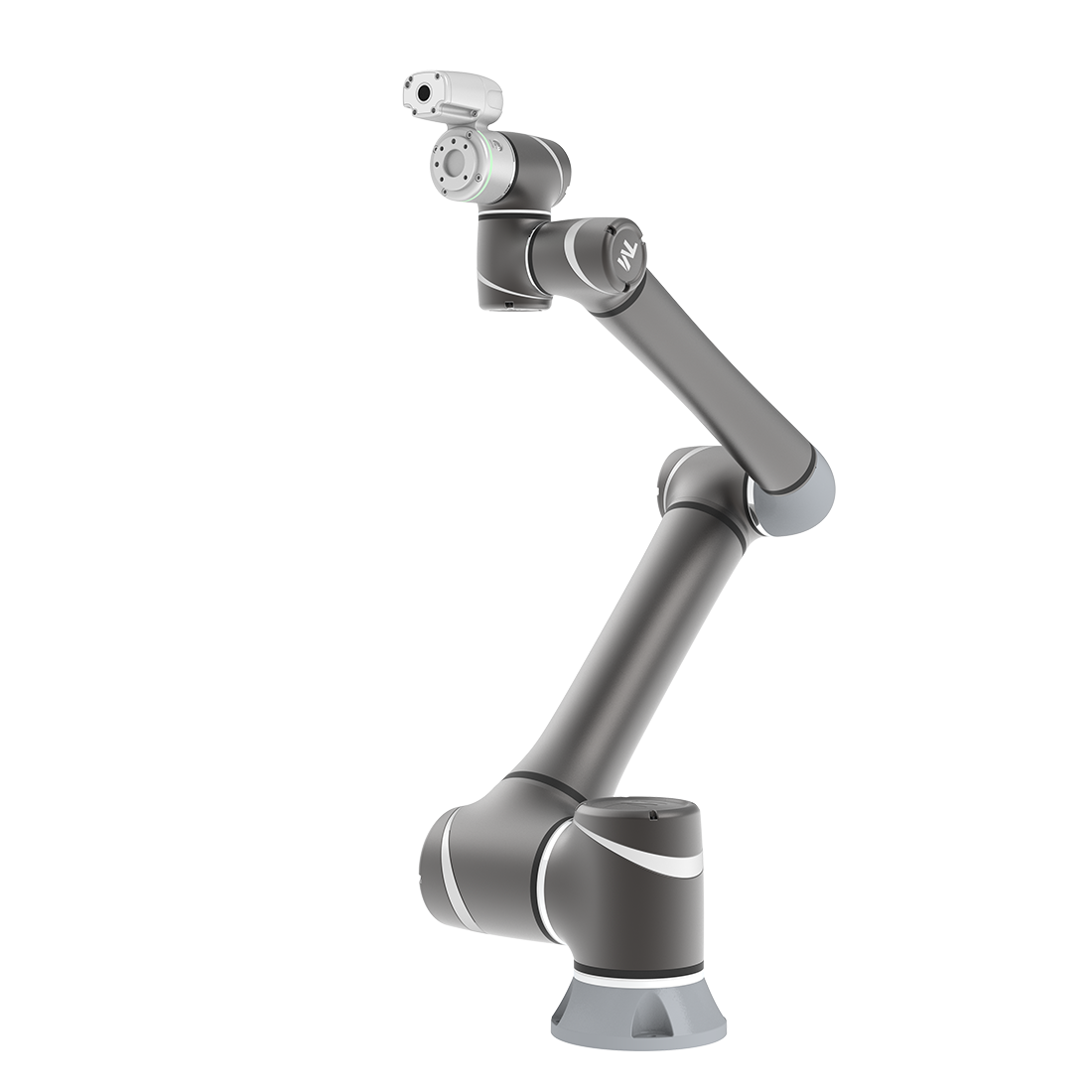
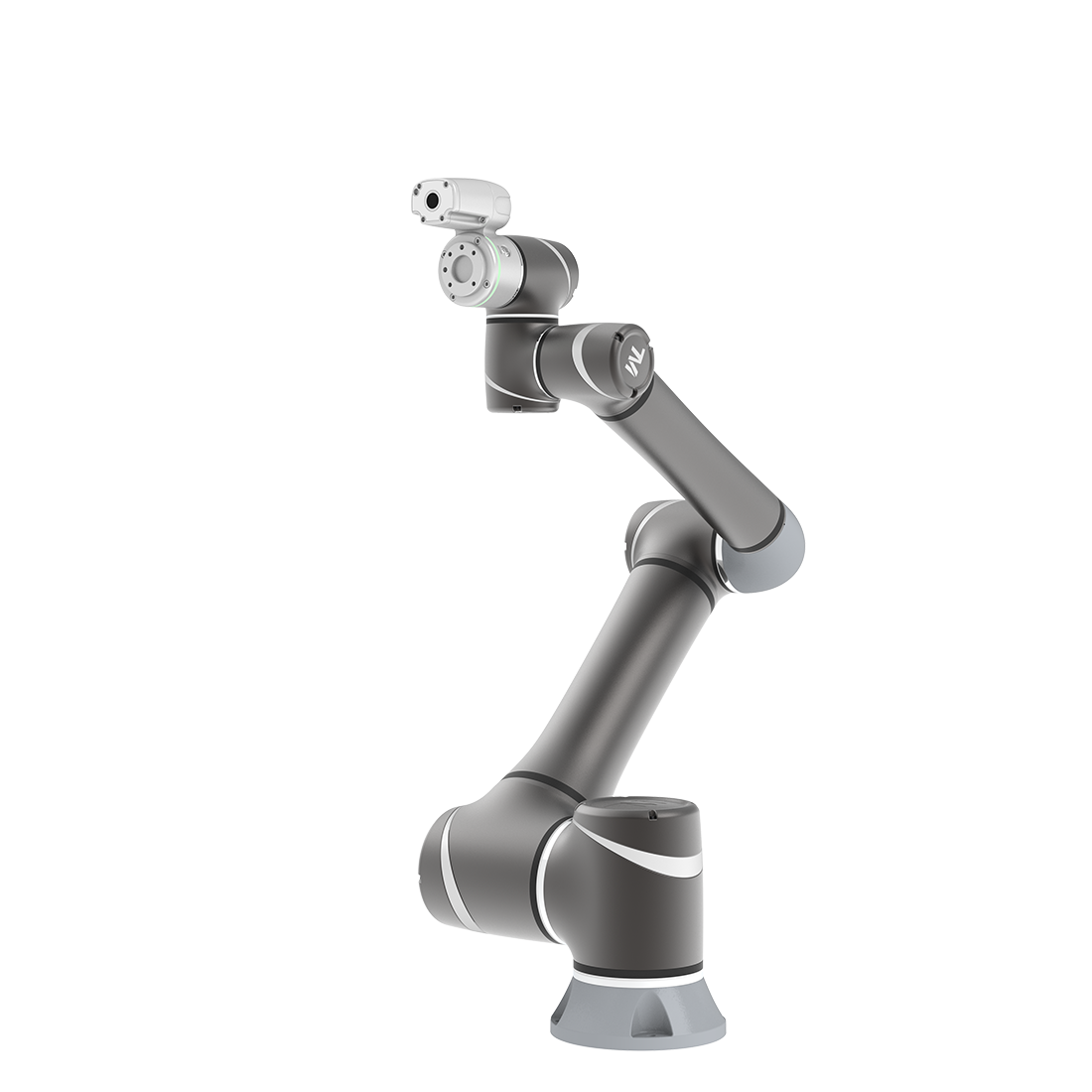
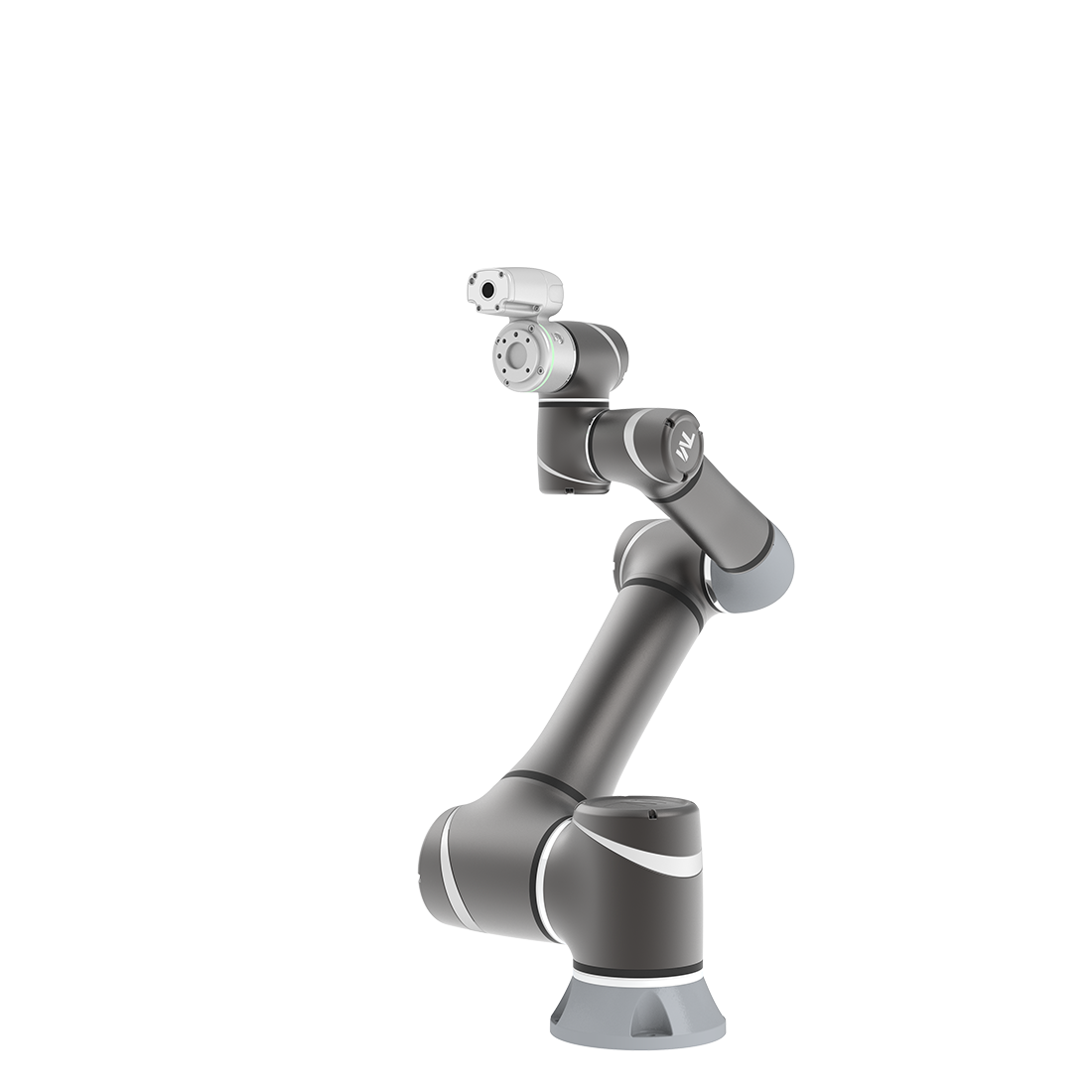
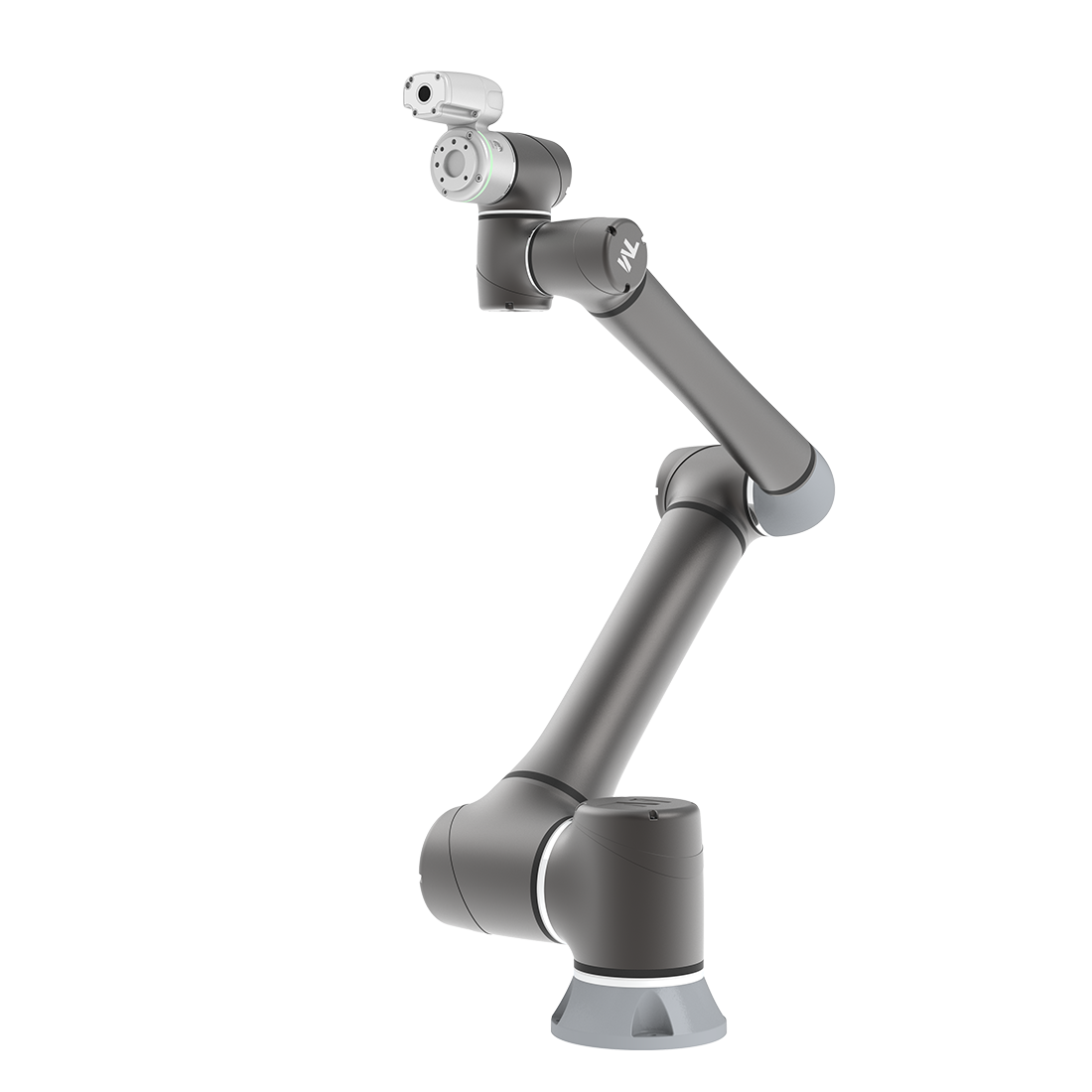
Polarizer Light Module
Updated on 2026 / 08 / 27
Examples are valid for :
TMflow Software version: All
TM Robot Hardware version: All
Other specific requirements: None
Note that older or newer software versions may have different results.
Installation Procedure
- Remove four screws on the lighting module
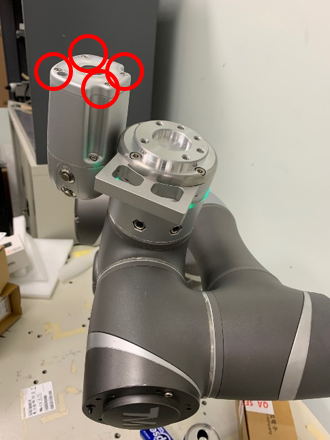
2. Detech the power connector, and take the lighting module away
3. Reconnect the power connector with Polarizer light module
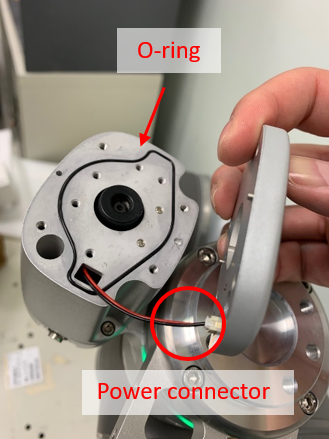
4. Make sure the O-ring is placed in the groove
5. Lock the four screws again
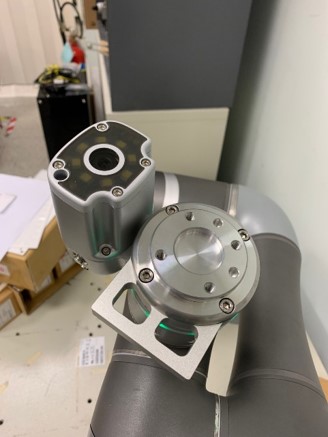
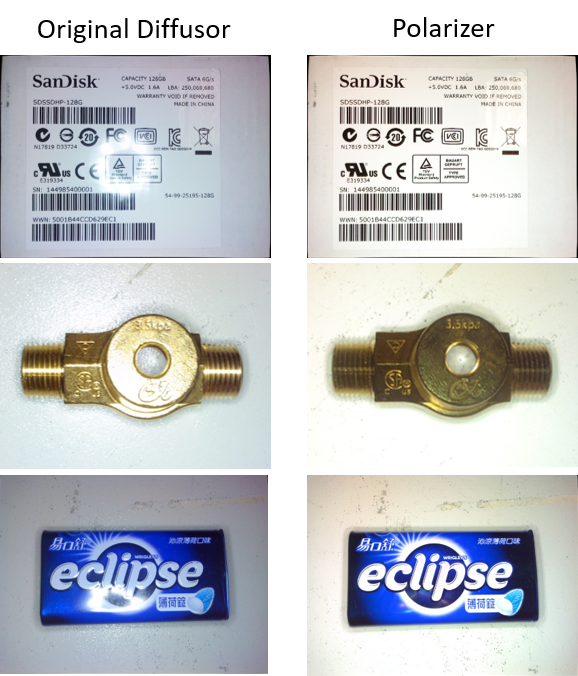
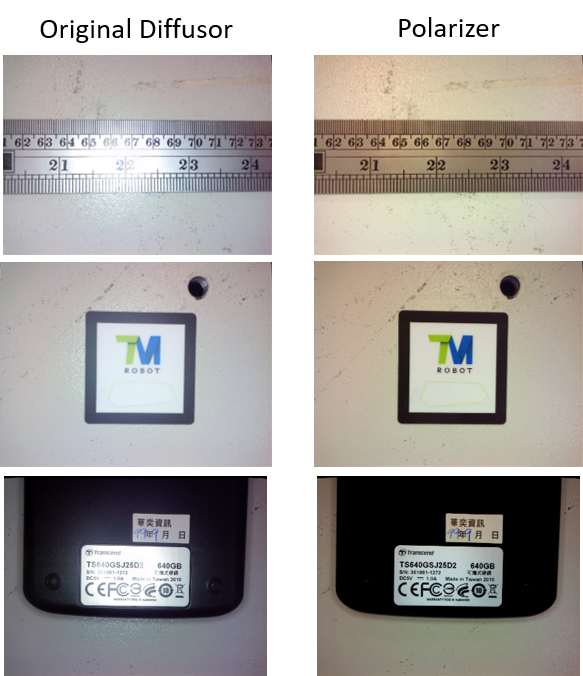
Imaging with Polarizer Light Module
Side effect of Polarizer Light Module
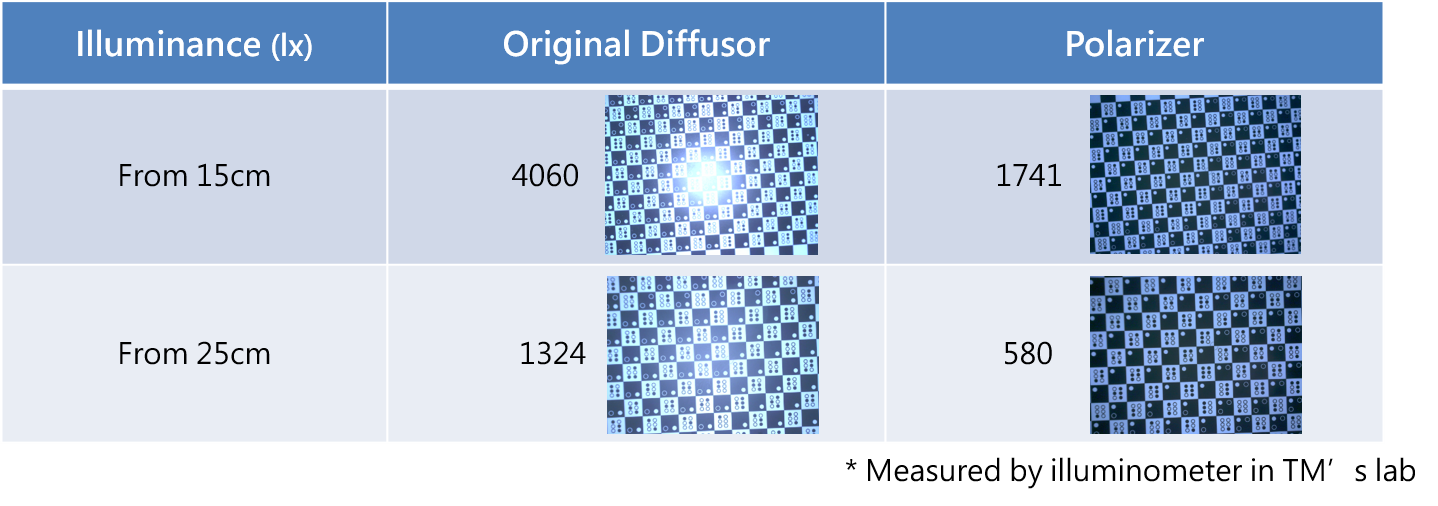
Using Polarizer light module will decreases the lighting intensity to 40% of using original diffusor. But user can larger exposure time or gain to get image with similar intensity.
Was this article helpful ?