Notice when replacing hardware component
Updated on 2026 / 08 / 27
Examples are valid for :
TMflow Software version : All versions
TM Robot Hardware version : All versions
Other specific requirements : None
Note that older or newer software versions may have different results.
Replace component:
Firmware must be upgraded according to Techman maintenance manual after replacement of power control board, joint or IO module.
Before performing firmware upgrade, make sure control box and robot have been properly connected. User may confirm the connection status by checking whether the LED on IO module flash or not.
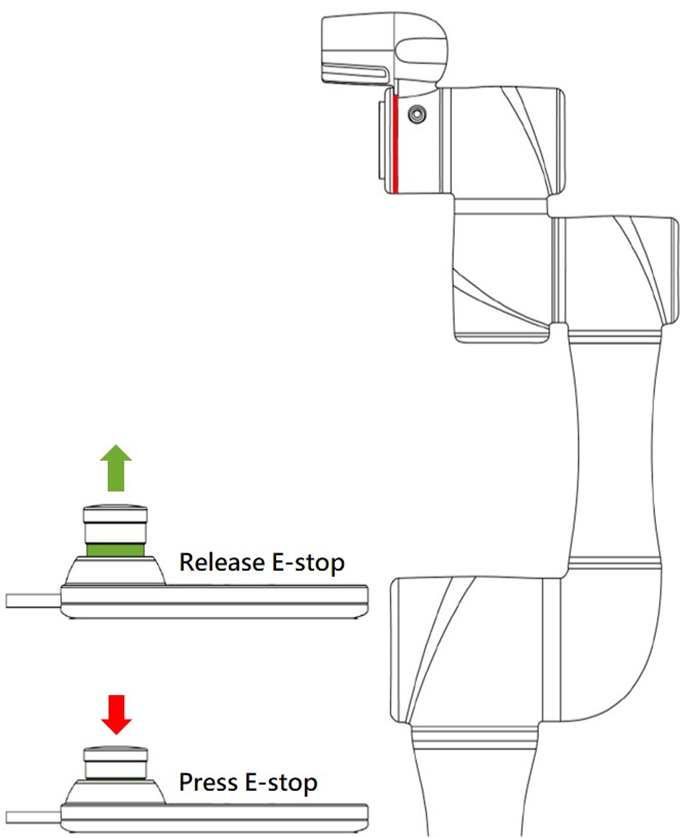
If all components of robot and control box have installed properly, the robot has connected to control box and the emergency button has also been released, but the IO LED does not light up, do not upgrade firmware and contact Techman.
※Firmware upgrade:
Performing EEPROMUPDATE5, ESI and Firmware according to the steps illustrated on service manual after confirming connection status between control box and arm.
Was this article helpful ?