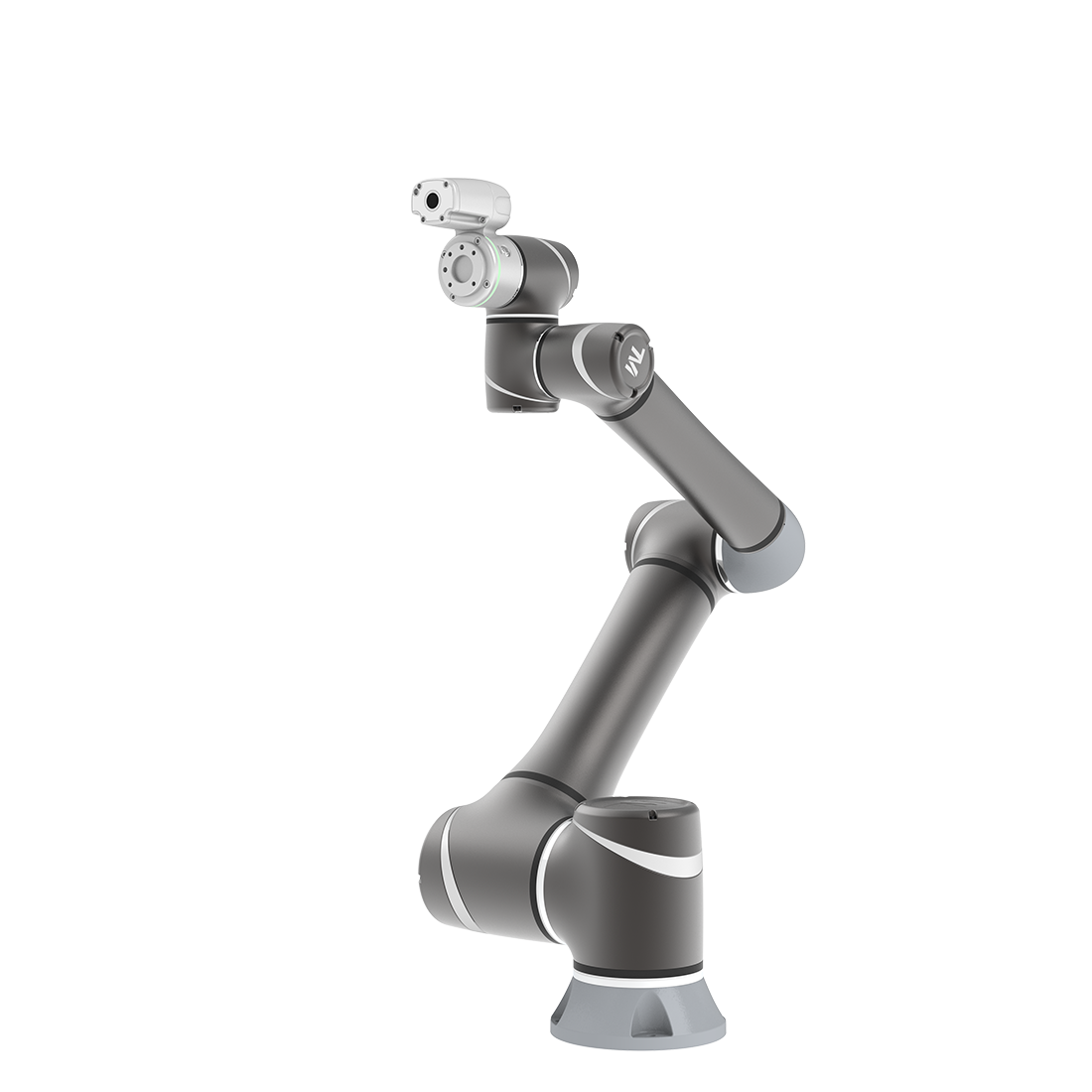
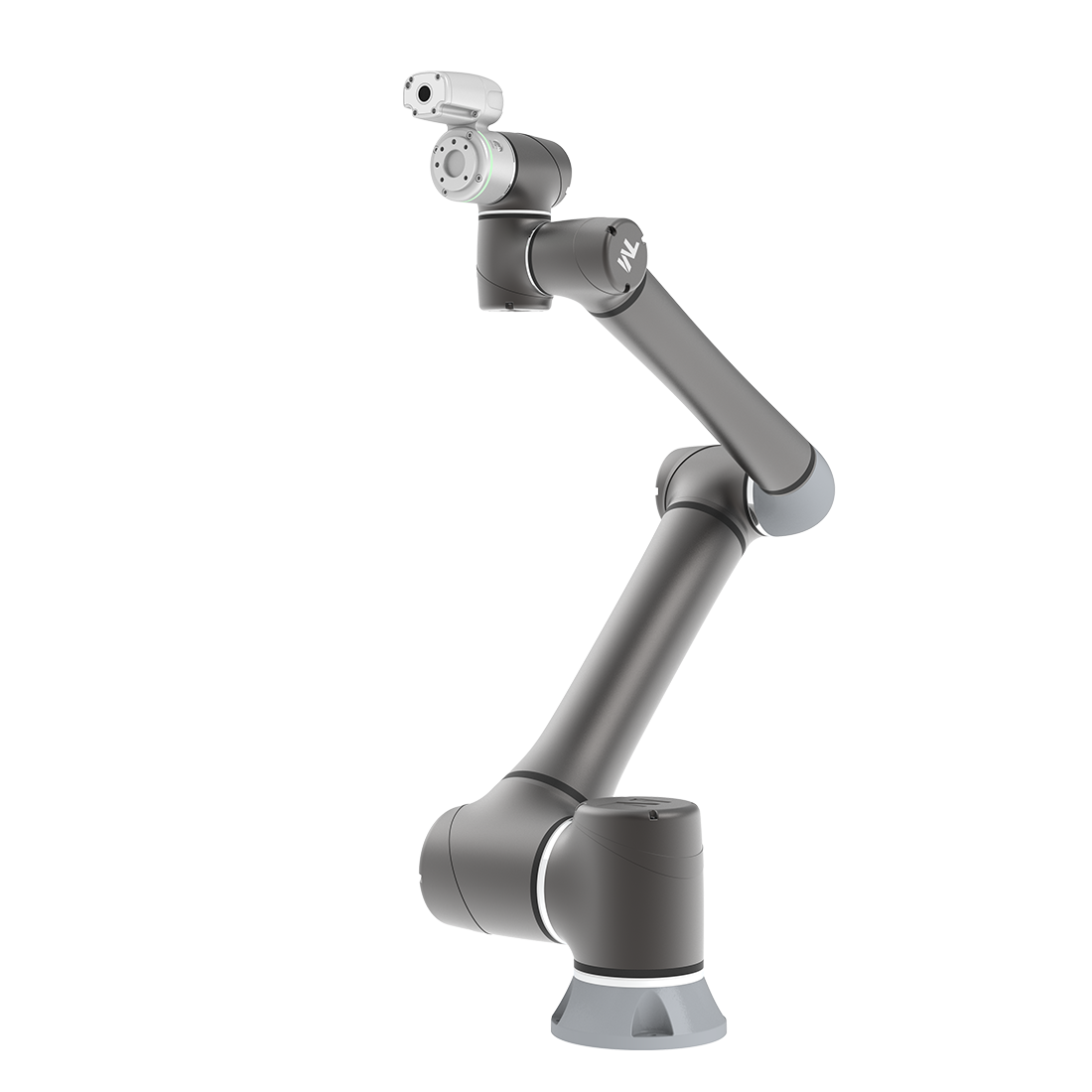
Introduction of TMcraft
Updated on 2026 / 08 / 27
Example are valid for :
TMflow Software version: 2.14 or above
TM Robot Hardware version: Only support HW3.2 or above
Other specific requirements : None
Note that older or newer software versions may have different results.
In many cases, 3rd party developers, such as Solution Providers or Device Manufacturers, would like to increase the value of their products by producing unique user experience; one important key is to have a user-friendly graphical user interface for all sorts of scenarios.
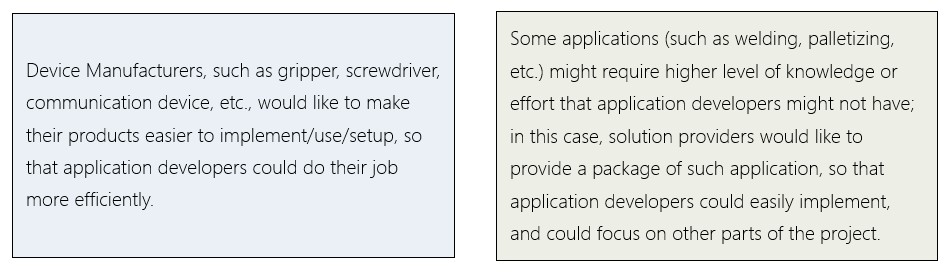
To fulfill the requirements mentioned above, Techman Robot Inc. is product to present : TMcraft: to make your own user-experience on TMflow.

TMcraft Node
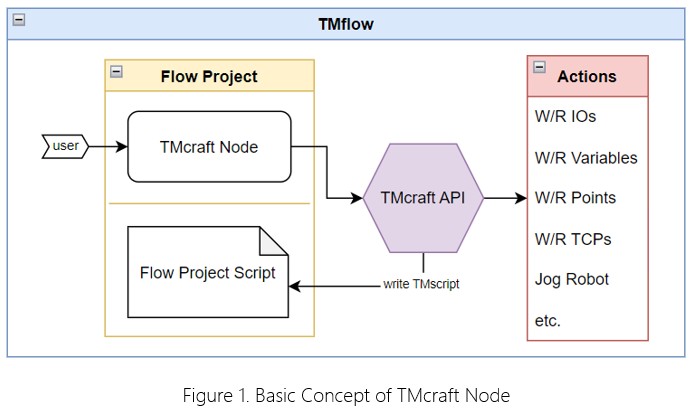
To understand TMcraft Node, we should start from the concept of how a Flow Project works. A typical Flow Project goes through 2 phases: Design phase and Running Phase. During the Design phase, user edits the Flow Project through all kinds of node editing (on UI) or other setup functions, these settings and their parameters will be translated into a bunch of scripts and written onto the Flow Project file. These scripts will then be execute when running the project.
TMcraft node is customized Node UI Program, a C# + WPF-based execution file (exe) developed by 3rd party. In the Design Phase, user can open up this Node UI and do the setup, the TMcraft Node Program interacts with TMflow through TMcraft API, such as creating or modifying project variables, creating or modifying points, setting I/O, jogging the robot, etc. Before the Node UI is closed, the program can transform the settings intro TMscript and write it into the Flow Project.
Was this article helpful ?