[Vision] How to Customize the Name of the Vision Job Saved Image with TM Component
Updated on 2026 / 08 / 27
Examples are valid for :
TMflow Software version : All versions
TM Robot Hardware version : All versions
Other specific requirements : None
Note that older or newer software versions may have different results.
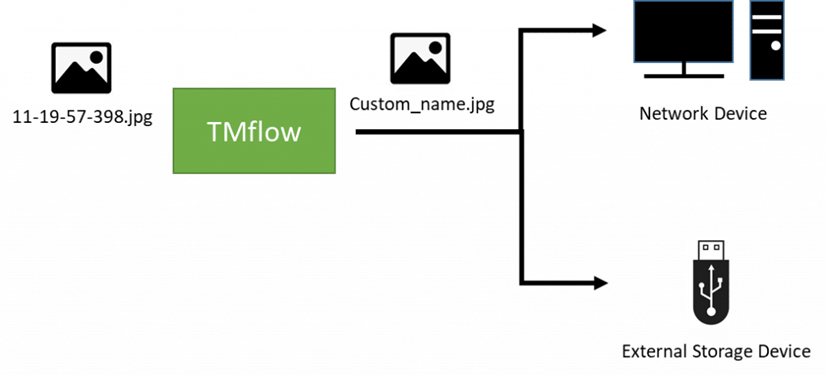
This document will introduce how to use the attached TM Component to achieve the name of the custom vision job save image, e.g., using the Barcode identification or Pass/Fail result as the name of the saved image. So that these images can be used in the follow-up It is more convenient to view or manage.
Hardware Required
- HW3.0 or above(x64)
- External storage device (or Network Service path)
Software Required
- TMflow 1.84 or above
File Required
please refer to the file attached
- Download : Vision Techman 1842000 V001 SaveImage.zip
- Download : Vision Techman 2141700 V001 SaveImage.zip
Was this article helpful ?