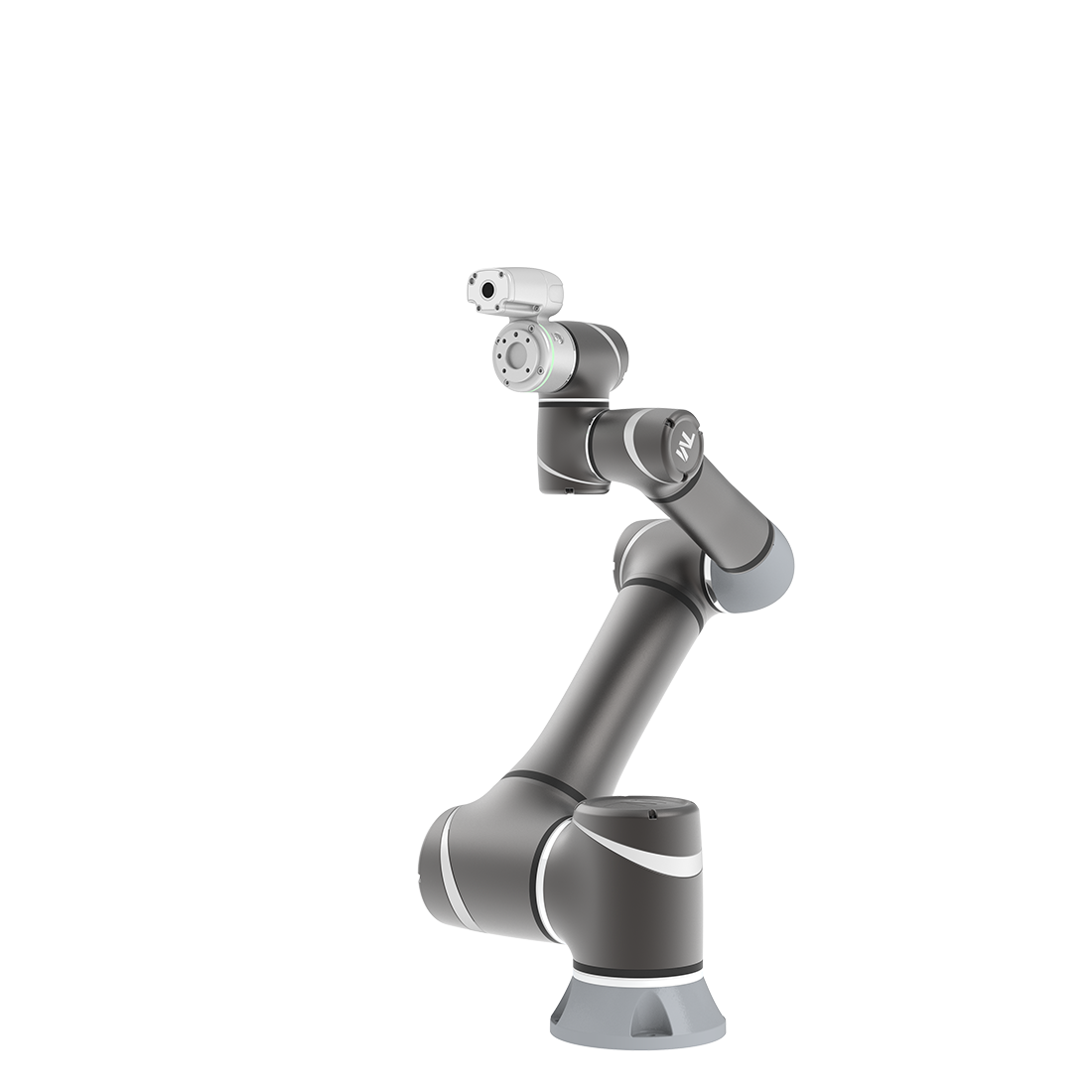
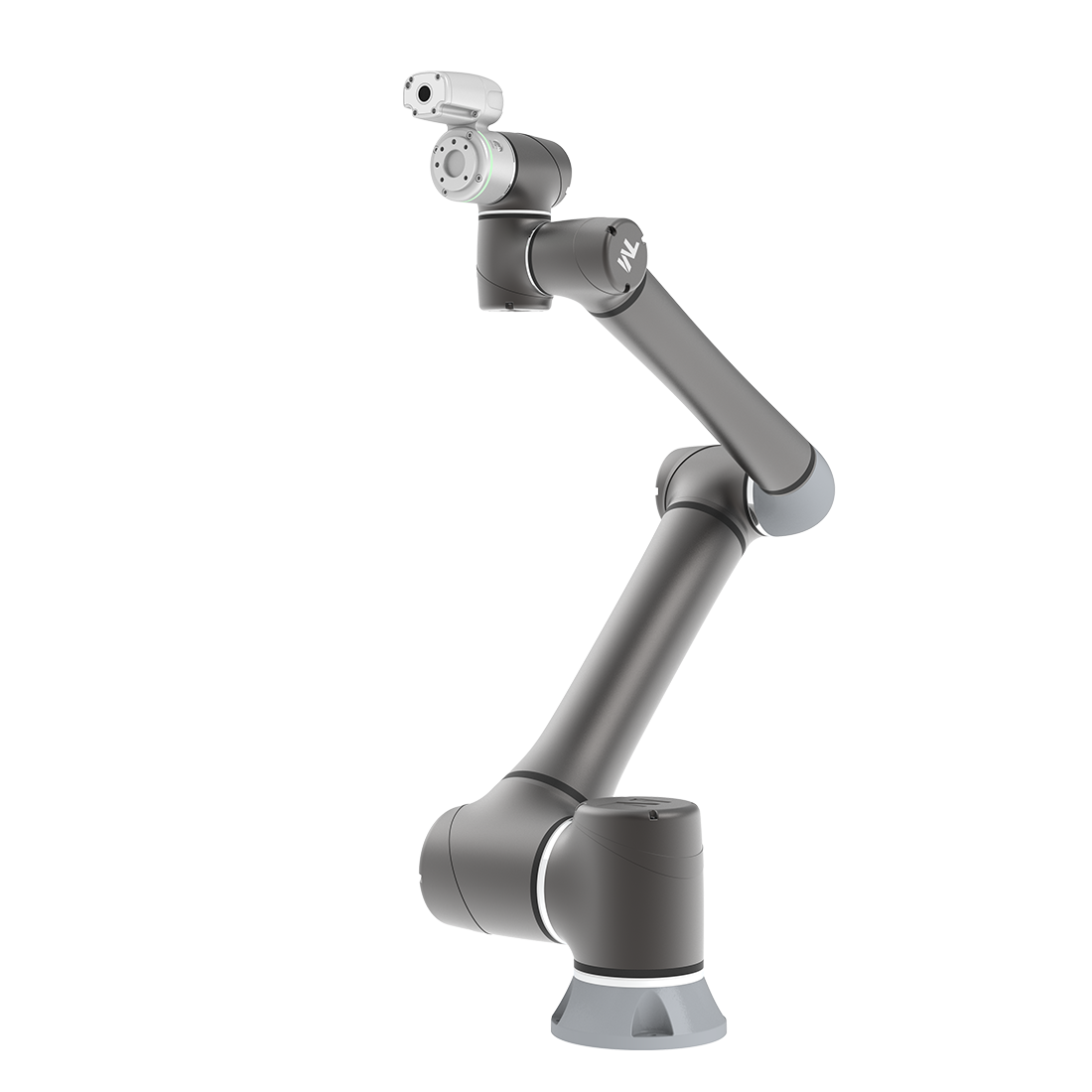
How to Set Up TM GC05 Camera on TM AI+ AOI Edge
Updated on 2026 / 08 / 27
Examples are valid for :
TMflow Software version: 2.16 or above versions
Other specific requirements:
- TM GC05 Camera
- TM AI+ AOI Edge : refer to TM AI+ AOI Edge manual (Download Here) – download center > manual > TM AI+ AOI Edge
- TM GC05 Camera Driver : TM_CAM (Download Here) – download center > Manual > Tm AI+ AOI Edge
Note that older or latest software versions may have different results.
Install TM AI+ AOI Edge
Please refer to TM AI+ AOI Edge manual to set up TM AI+ AOI Edge.
Install TM GC05 Camera Driver
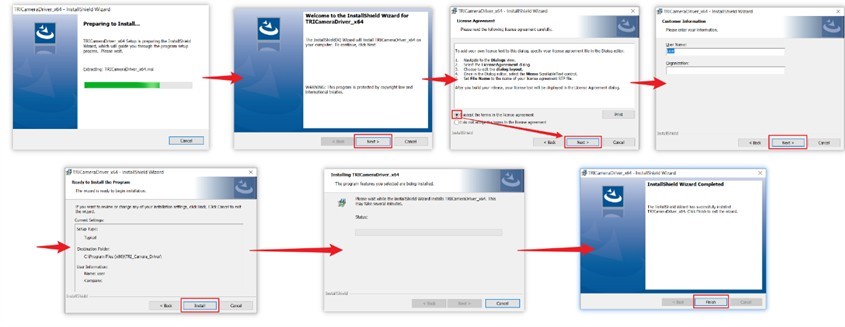
- Download and unzip TM GC05 Camera Driver, and execute driver.

- Follow the steps to install driver.
Check TM GC05 Camera on TM AI+ AOI Edge
- Open TMflow
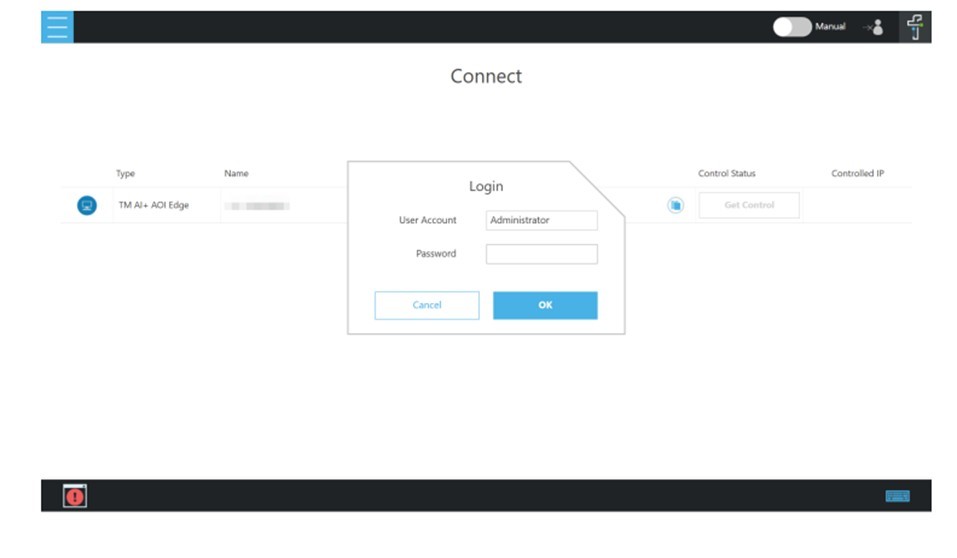
- Connect the TM GC05 Camera to your PC
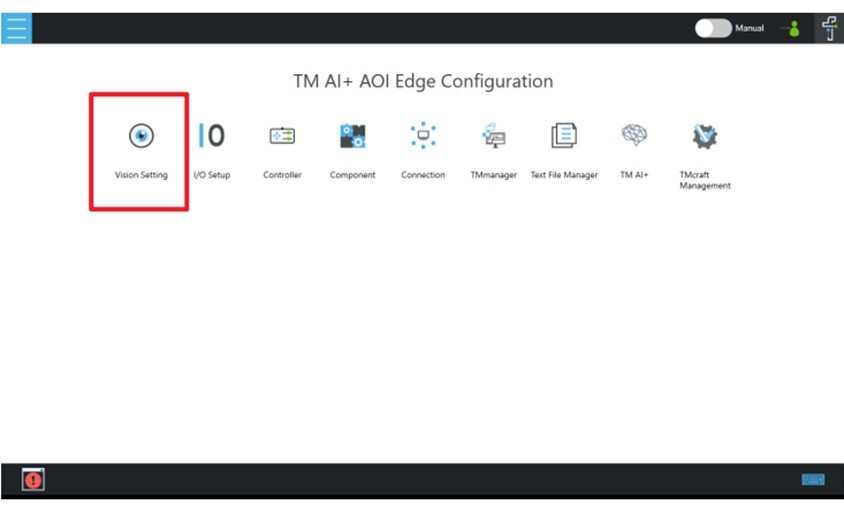
- Go to ☰ -> Configuration -> Vision Setting
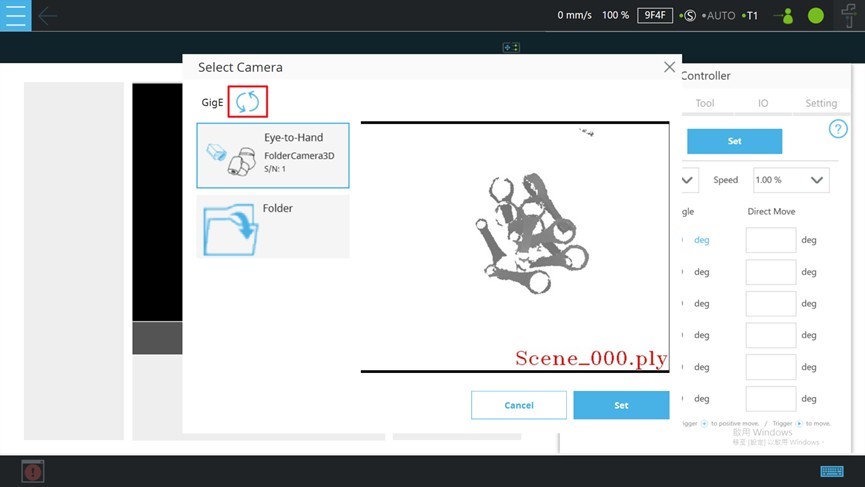
- Reload the camera and check the presence of TMCAM
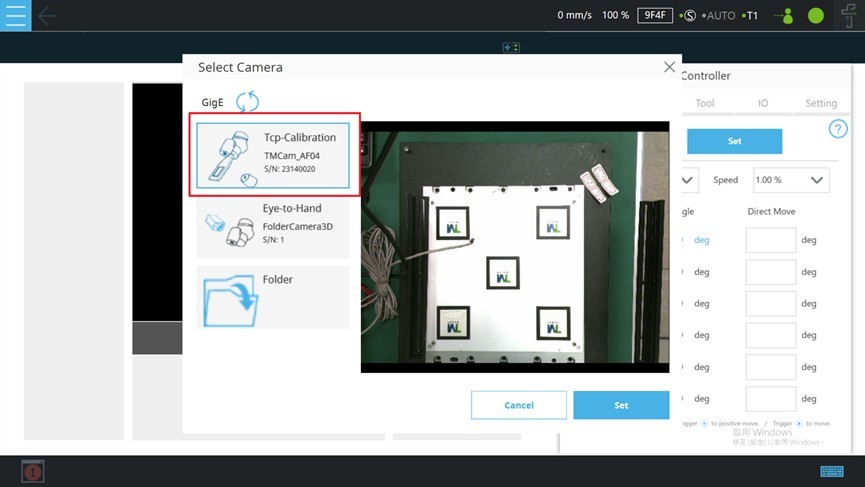
- If the TM GC05 Camera appears in the list, it means that the installation process has been successfully completed
Was this article helpful ?