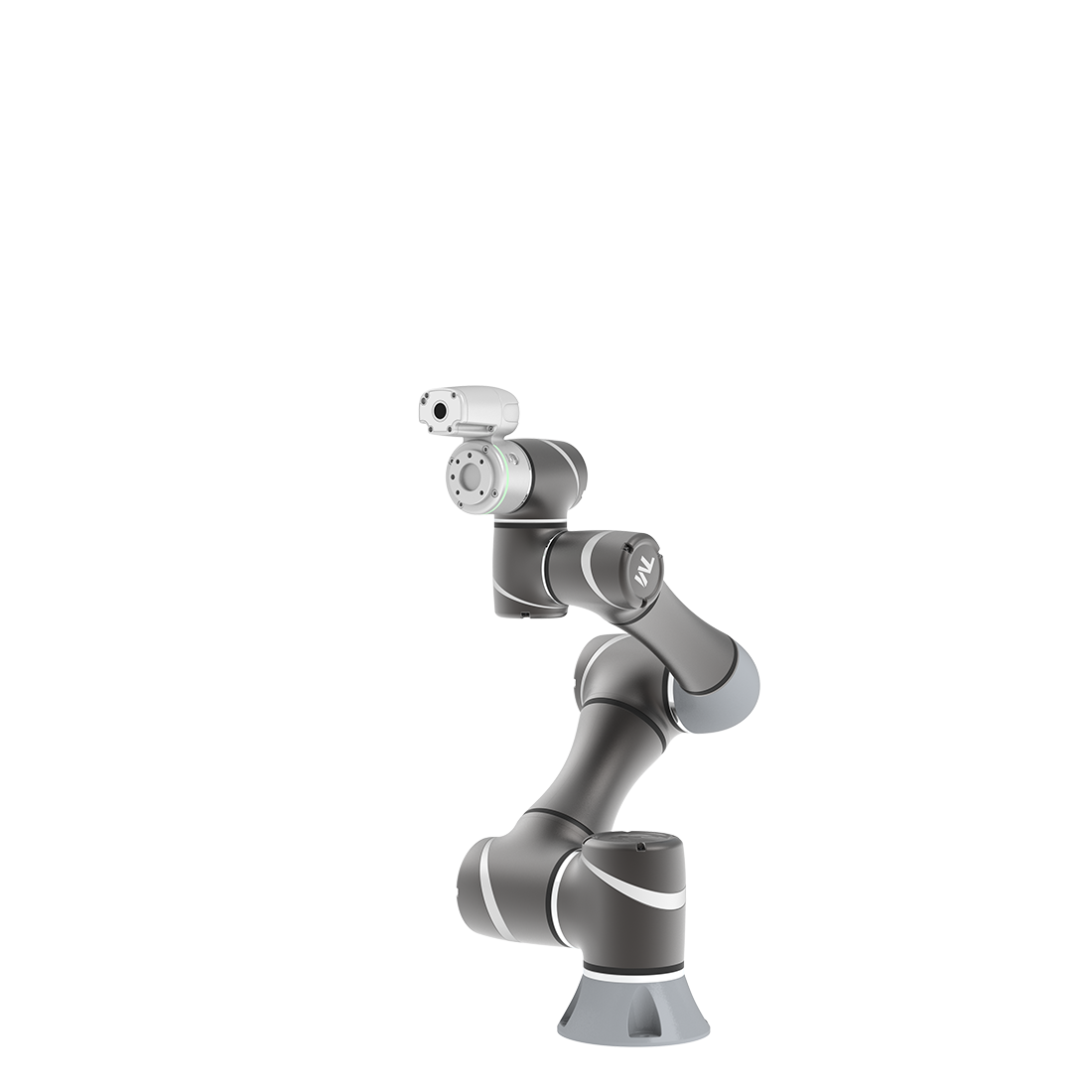
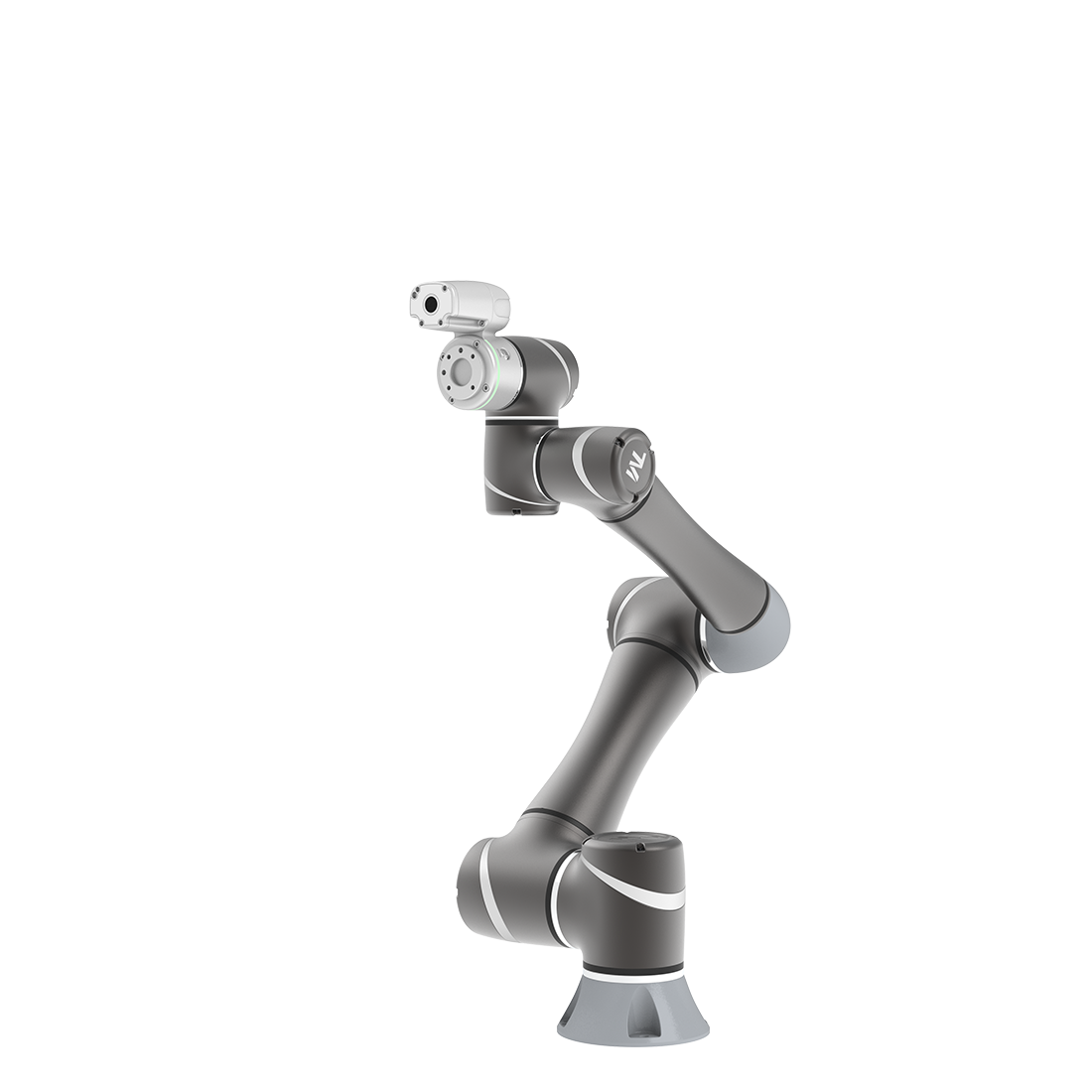
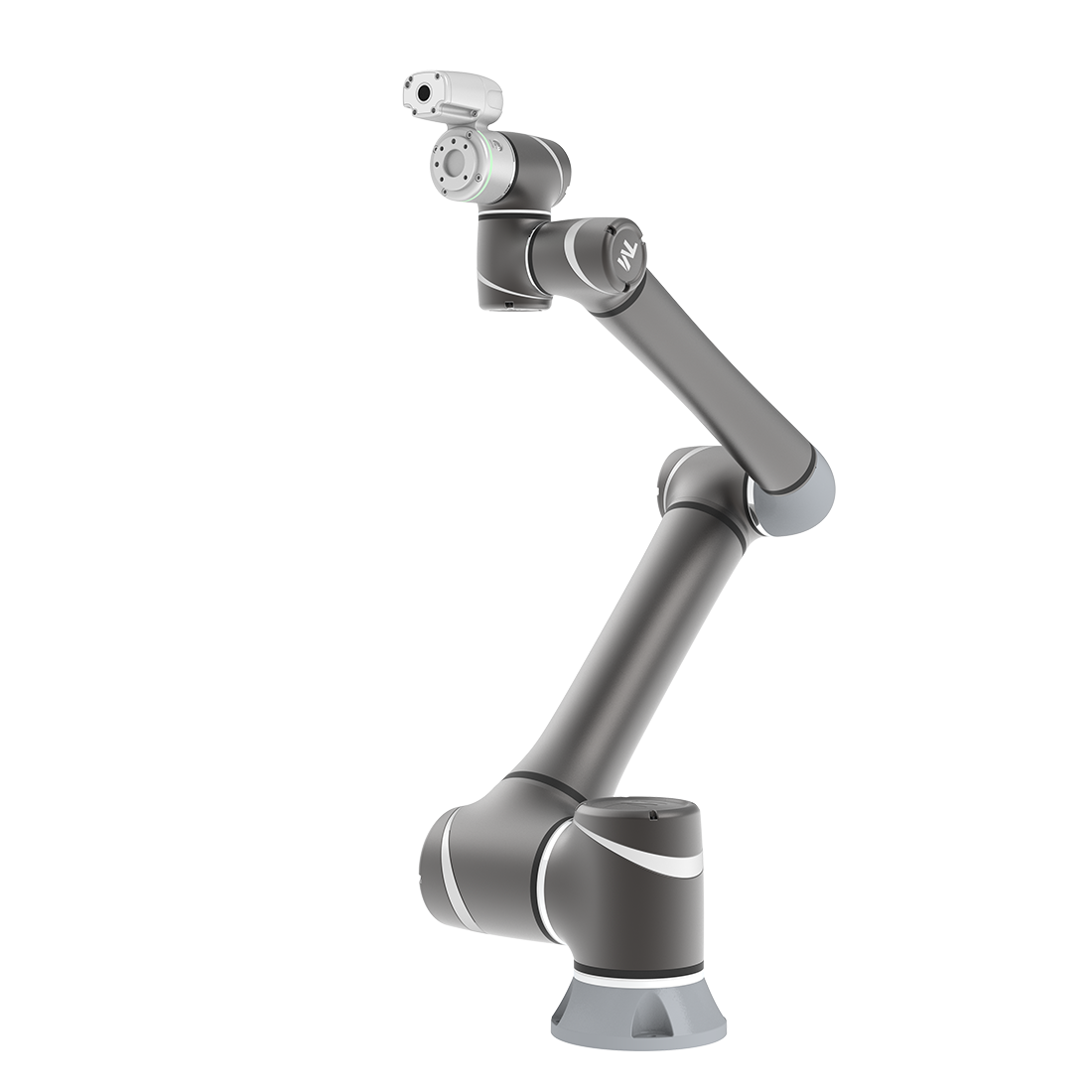
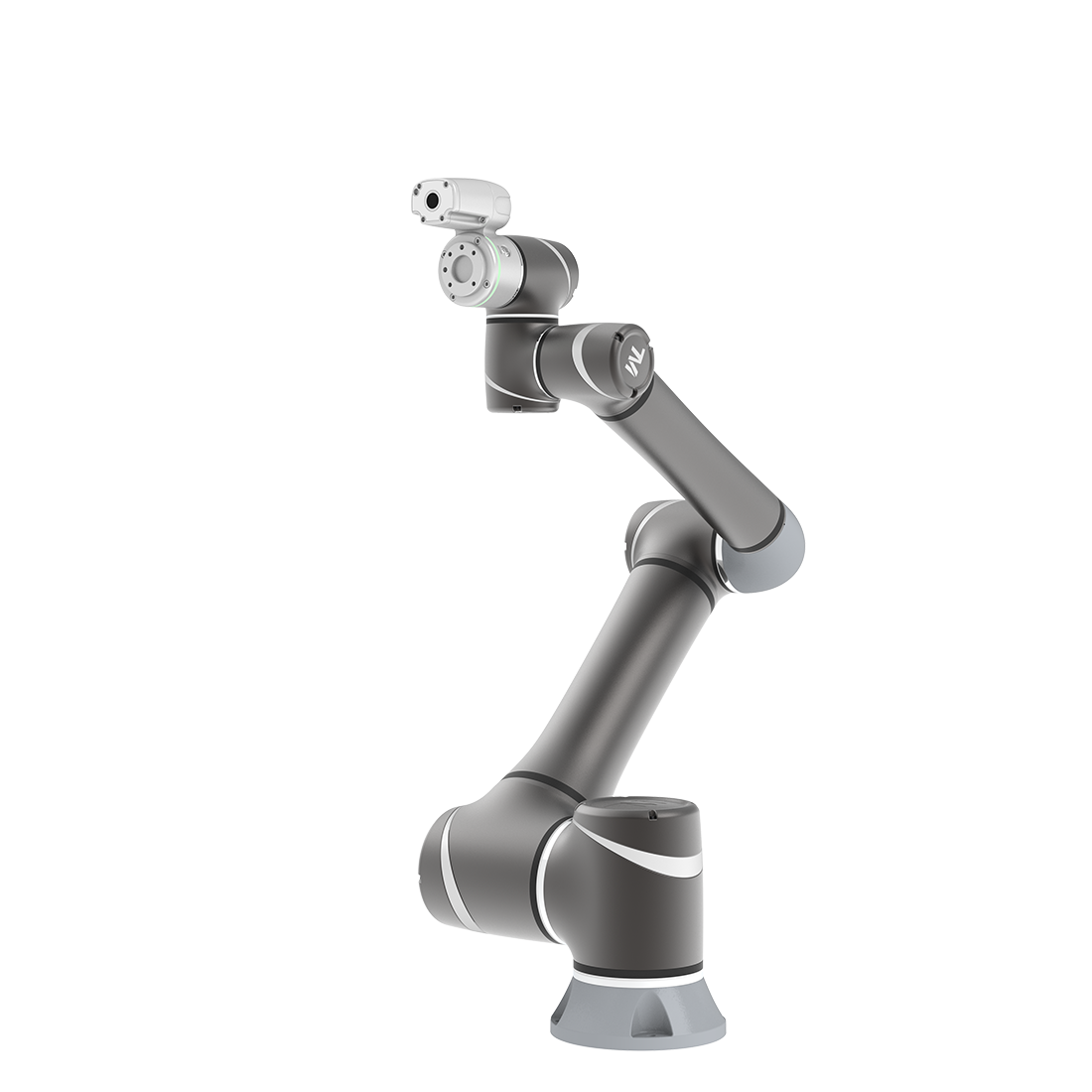
How to Rotate the Robot if Power Out?
Updated on 2026 / 08 / 27
Examples are valid for :
TMflow Software version : All versions
TM Robot Hardware version : HW3.0, HW3.1, HW3.2
Other specific requirements : None
Note that older or newer software versions may have different results.
Warning: This method admits in certain conditions only (emergency stops, booting up from the packaging pose, power outs). Improper use will cause unexpected damage to the robot.
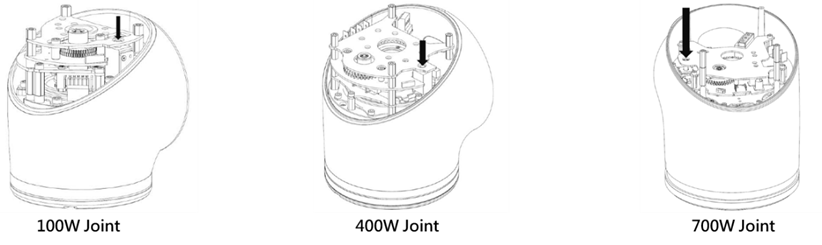
When users need to rotate the shaft joint of the robot, and the power is out, it is mandatory to unlock the solenoid valves at the joints, and the moving angle after unlocked must be within ±45°. Exceeding this limit will cause an error to the robot after booting up.
Please refer to Movement without Drive Power in Hardware Installation Manual for positions of the solenoid valve at each joint and safety precautions.
Was this article helpful ?